An Android-phone tutorial that begins by installing the Amazon Appstore can now describe a retired route. Amazon ended support for that mobile offering on 20 August 2025. Its announcement explicitly separated Android mobile devices from Fire TV and Fire tablets, so the same headline does not describe every Amazon screen.
Identify which platform the old instructions target
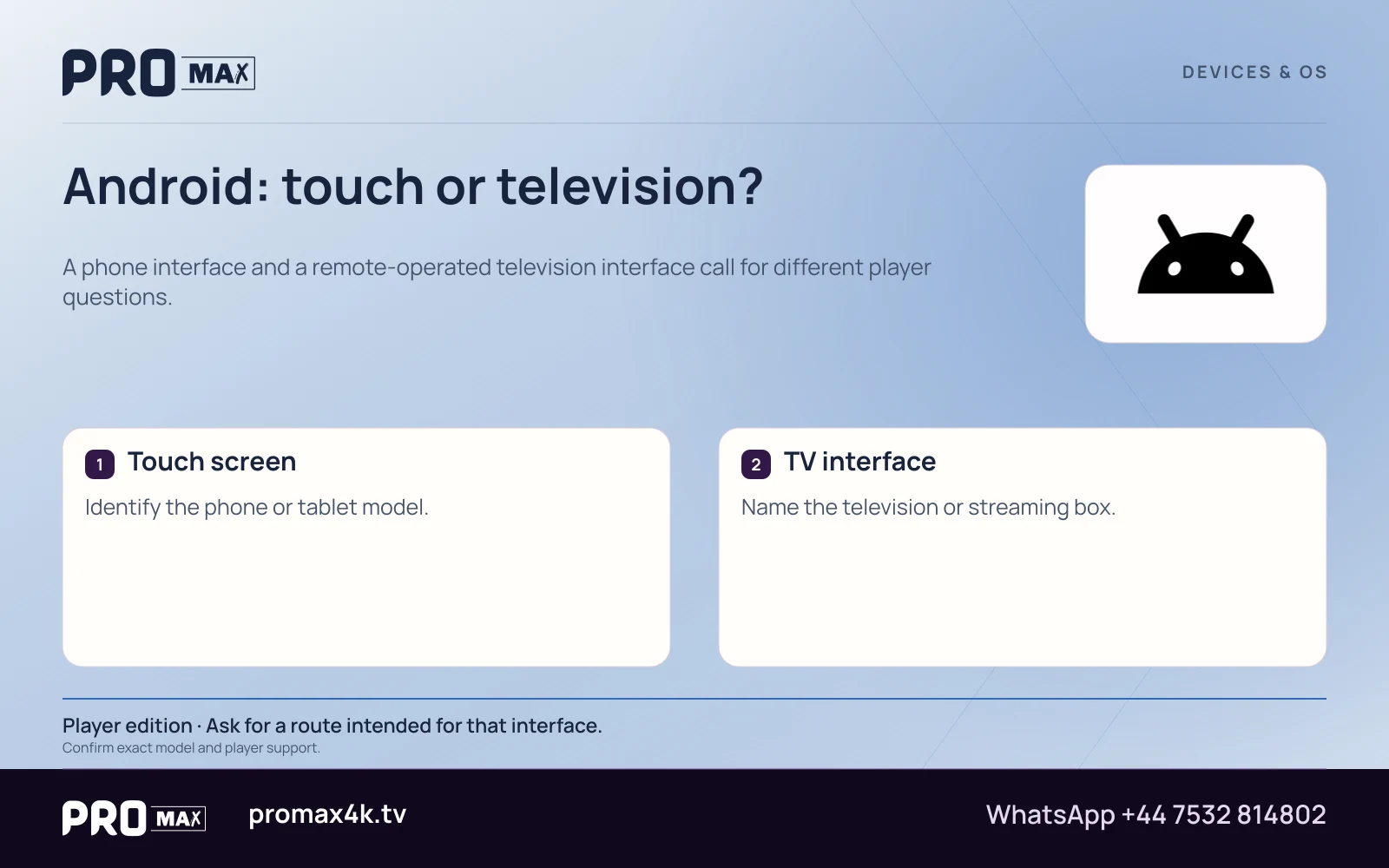
Start with the device named in the tutorial. An ordinary Android phone, a Fire tablet and a Fire TV are different installation targets. Amazon’s announcement says existing Android-mobile Appstore apps were not guaranteed to operate after the retirement date. That is a distribution-support change, not evidence that the phone’s internet connection or the user’s separate service password has failed.
Replace the route, not just the download button
For an illustrative case, someone follows a saved phone guide and finds its store step unavailable. Repeating the same installer from a mirror does not restore the retired support arrangement. Locate the app publisher’s current Android instructions and check whether that publisher offers another supported route. Confirm the application identity and intended operating system before deciding what can replace the old installation. A different store entry is not automatically the same purchase or recovery method.
Keep the Fire TV exception in its proper scope
Amazon says its Appstore continues on Fire TV, Fire Tablet and Fire TV built-in products. That exception concerns the store offering; it does not mean every Android package runs on every Fire TV model. Fire OS and Vega remain different software targets, and the actual model’s documented app route still controls. Record the old guide’s date, the real hardware and the app’s current publisher route in a setup enquiry. The useful result is a supported installation plan rather than a sequence of repeated downloads from a retired phone tutorial.