
Live television
Browse categories and keep the channels you return to close at hand. The football screenshot shows the live television layout.
Explore →Explore original Pro Max app screenshots, live television navigation, movie and series browsing, plus Android download and activation help.
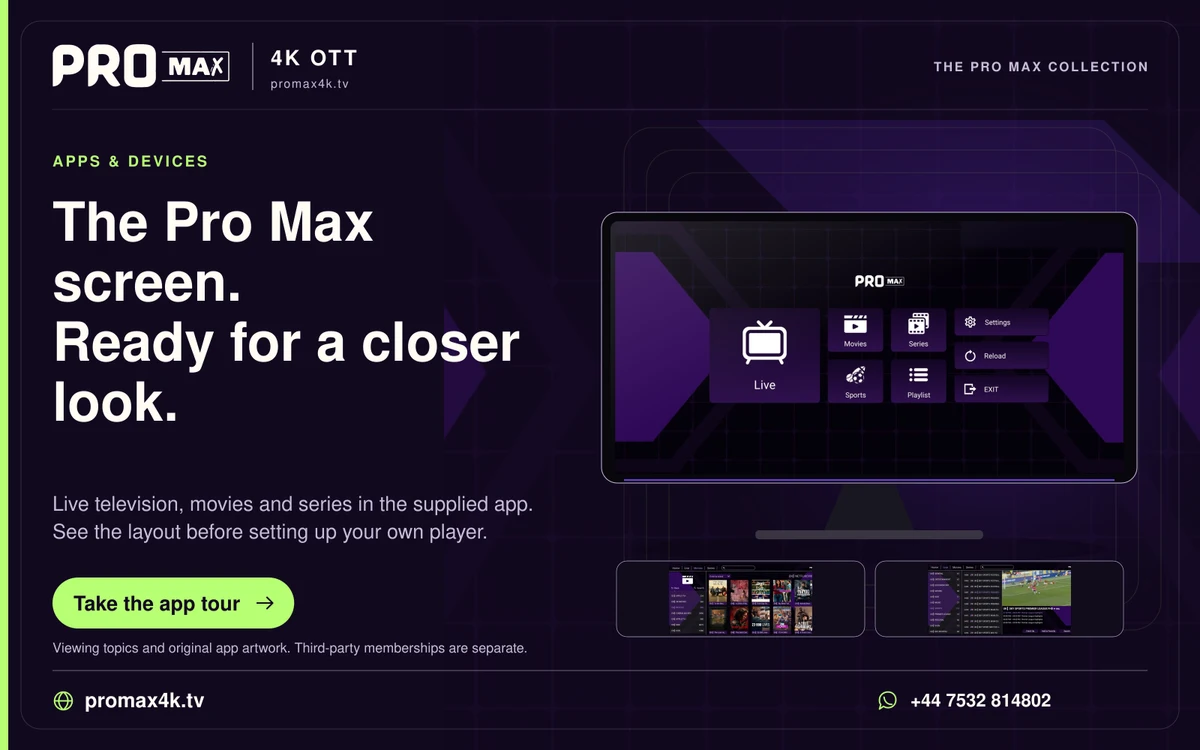
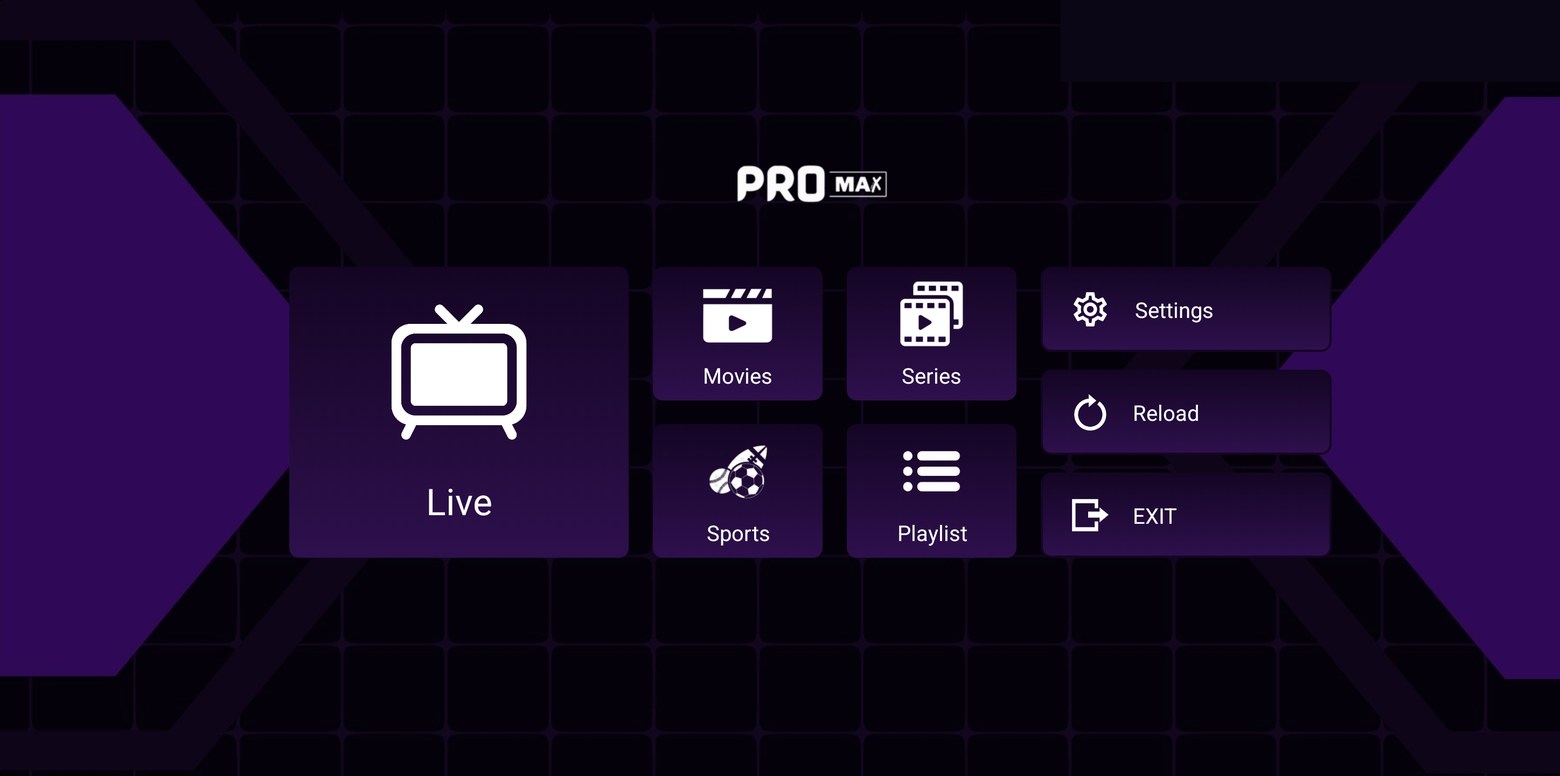
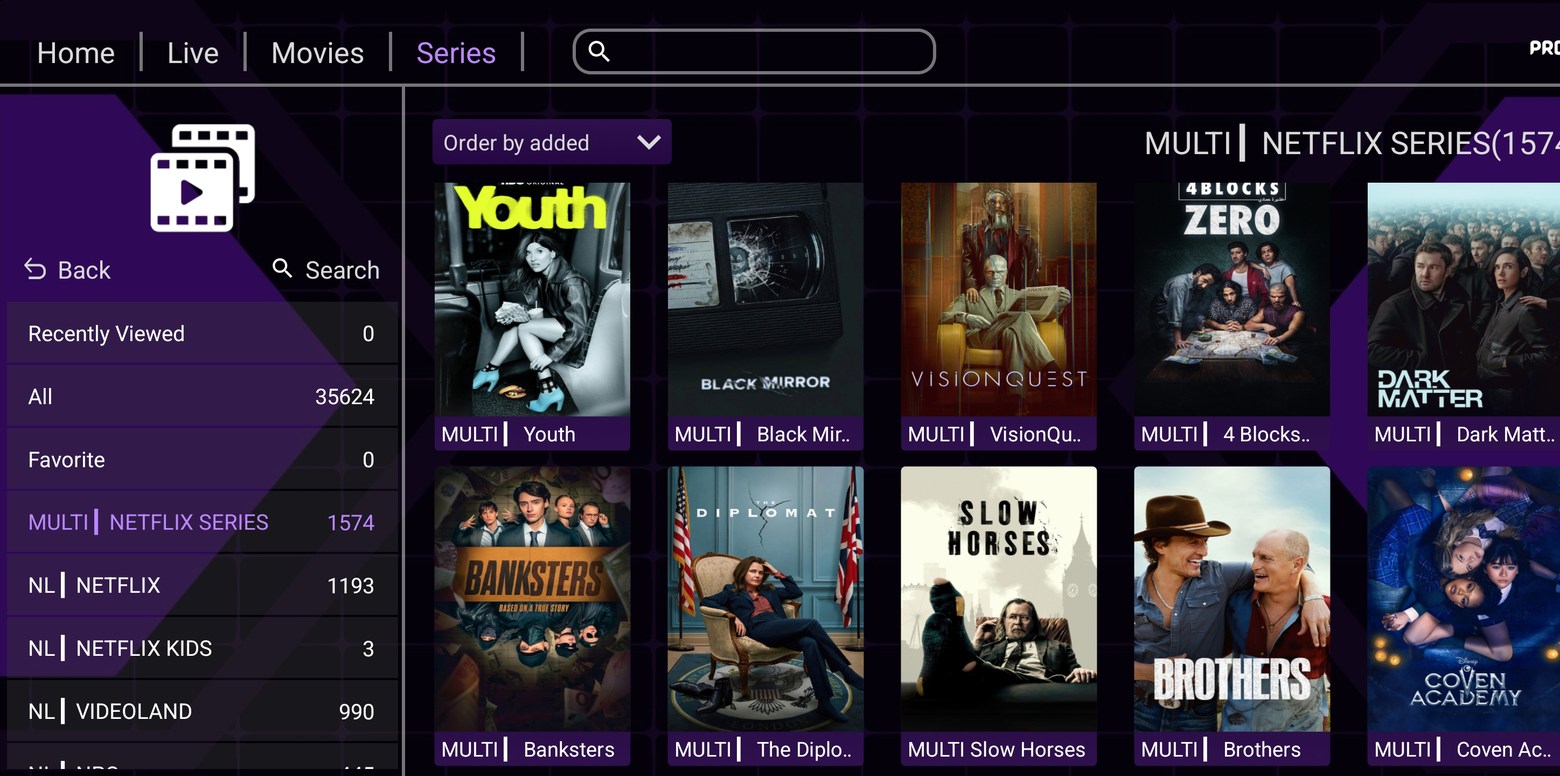
The Pro Max interface puts Live, Movies and Series together on a recognisable purple home screen. The screenshots below show the app, with private activation details removed from public copies.
Pro Max app screenshots
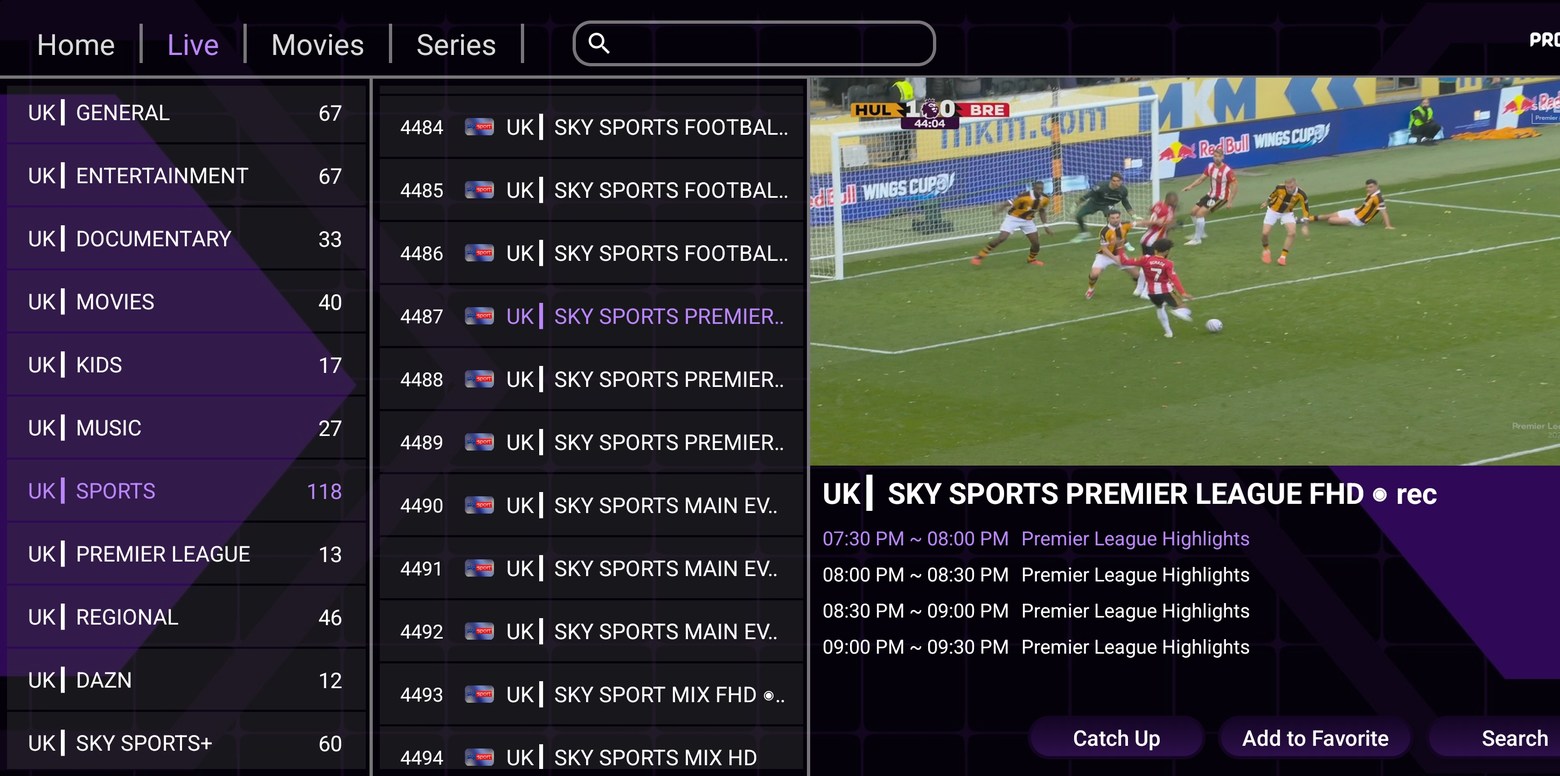
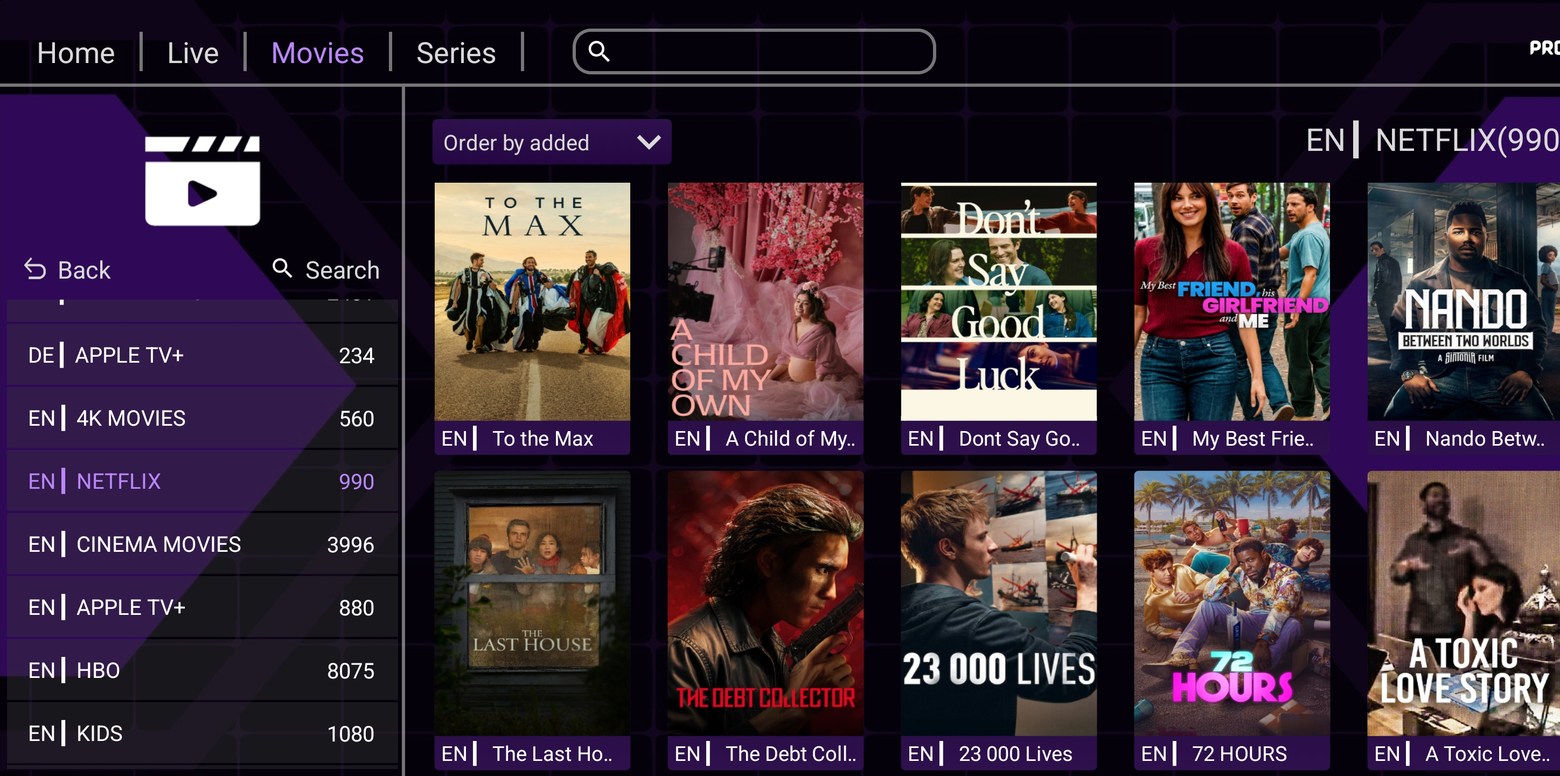
Browse categories and keep the channels you return to close at hand. The football screenshot shows the live television layout.
Explore →See the artwork, open the title details and use the player’s search to find a film.
Explore →Navigate a programme’s seasons and episodes rather than treating every result as a separate film.
Explore →This download is the Android installer identified below. Its manifest identifies com.promax.ott, version 3.9. The Pro Max branding and the app’s IBO-style activation interface do not establish ownership by a separate player publisher.
| APK property | Supplied file |
|---|---|
| Package | com.promax.ott |
| Version | 3.9 (version code 42) |
| Minimum Android | Android 6.0 / API 23 |
| Architectures | arm64-v8a, armeabi-v7a, x86, x86_64 |
| File size | 31,488,006 bytes |
The file has not been subjected to a malware, signature-trust or installation audit. Manifest flags include debuggable, cleartext traffic and backup enabled; these details should be reviewed by the app maintainer. Do not use the download as a reason to disable general device protections.
No numeric Pro Max Downloader code was supplied. In a compatible downloader, use the complete address below rather than borrowing another app’s numeric code.
SHA-256 identifies this exact supplied file; it does not prove publisher identity or safety.
The installer gets the software onto your device. A player activation or app licence concerns the software; your Pro Max service login is supplied privately for the account. One screen should not be mistaken for the other.
Install the app for your screen, then WhatsApp the Pro Max team for a one-day free trial. Already watching? Go straight to the viewer help desk.