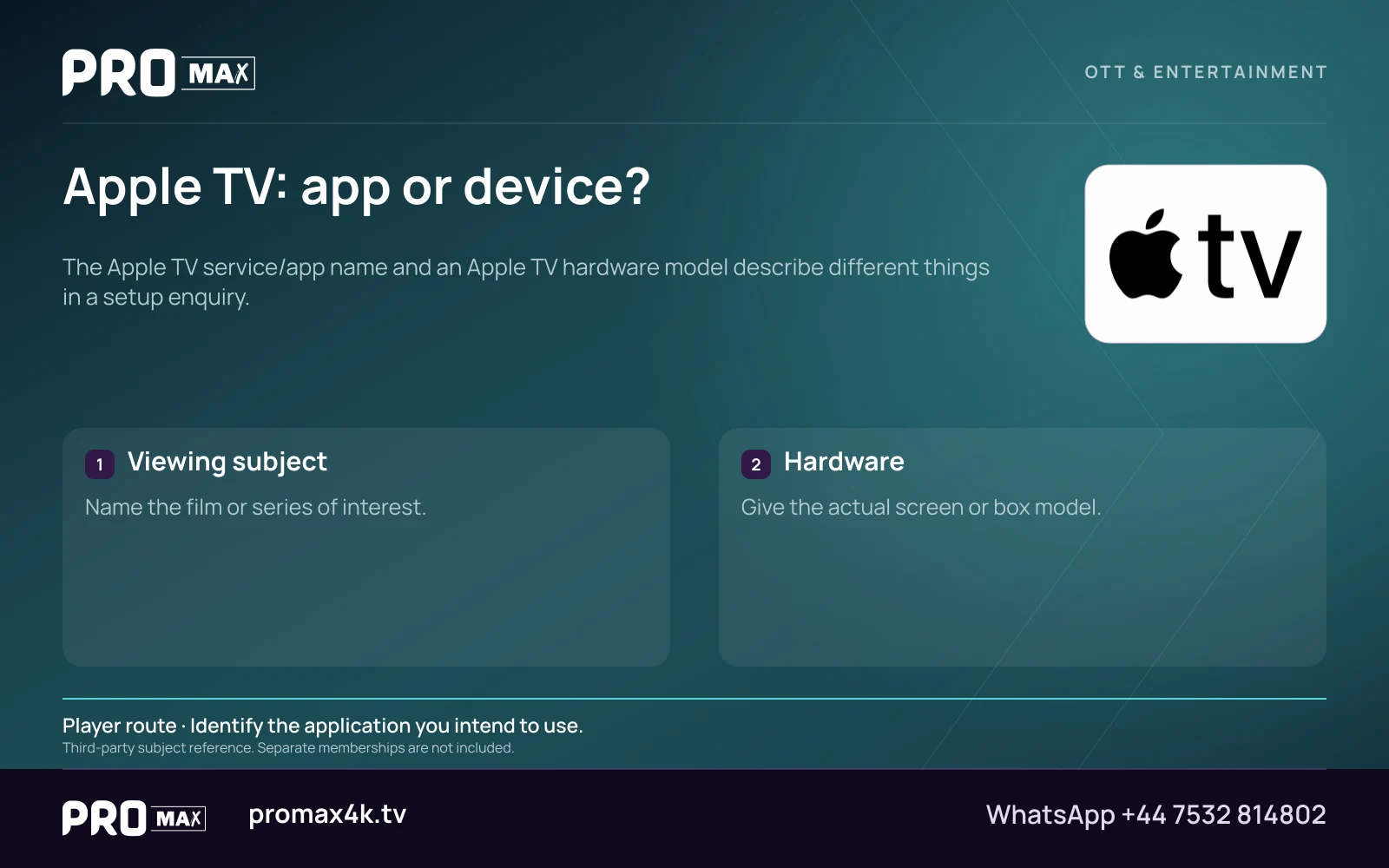
The words Apple TV can appear on a device box, an app icon and a subscription confirmation. They do not describe one purchase. Sorting those meanings first makes a missing-title, billing or installation question much easier to direct to the right place.
Put the hardware in one column
Apple TV4K is a television-connected device. Its job is to run the tvOS interface and compatible apps. Write its model in the hardware column of your own setup record, alongside the television or audio equipment if relevant. Owning this box does not explain which streaming subscriptions are active. An app already appearing on the Home Screen is also not proof that its content has been purchased.
Put the app in another column
The Apple TV app is a viewing and library interface on supported devices. It can lead to Apple’s subscription programming as well as separate rentals, purchases and channel subscriptions. Think of it as the place where several routes can be presented. In a fictional example, one film may be a purchase while a series comes through a subscription. The fact that both appear in the same interface does not merge their billing arrangements.
Put each entitlement beside its seller
Apple’s current documentation uses Apple TV for the subscription associated with Apple Originals. That subscription is separate from the physical Apple TV4K box and from third-party paid options in the app. When a title seems locked, identify the actual route shown beside it before buying anything again. A receipt or account page is more useful than the app’s name alone. Do not assume that a provider login entered in another player belongs in an Apple Account field.
Use the distinction to route the question
A hardware question names the model and tvOS context. An app-navigation question describes the screen or library item. A subscription question names the product and seller. This three-part vocabulary avoids a long conversation in which “my Apple TV is not working” means a different thing to every participant. Keep payment details and recovery codes private; the useful information is the product identity and the point where the expected route stops.