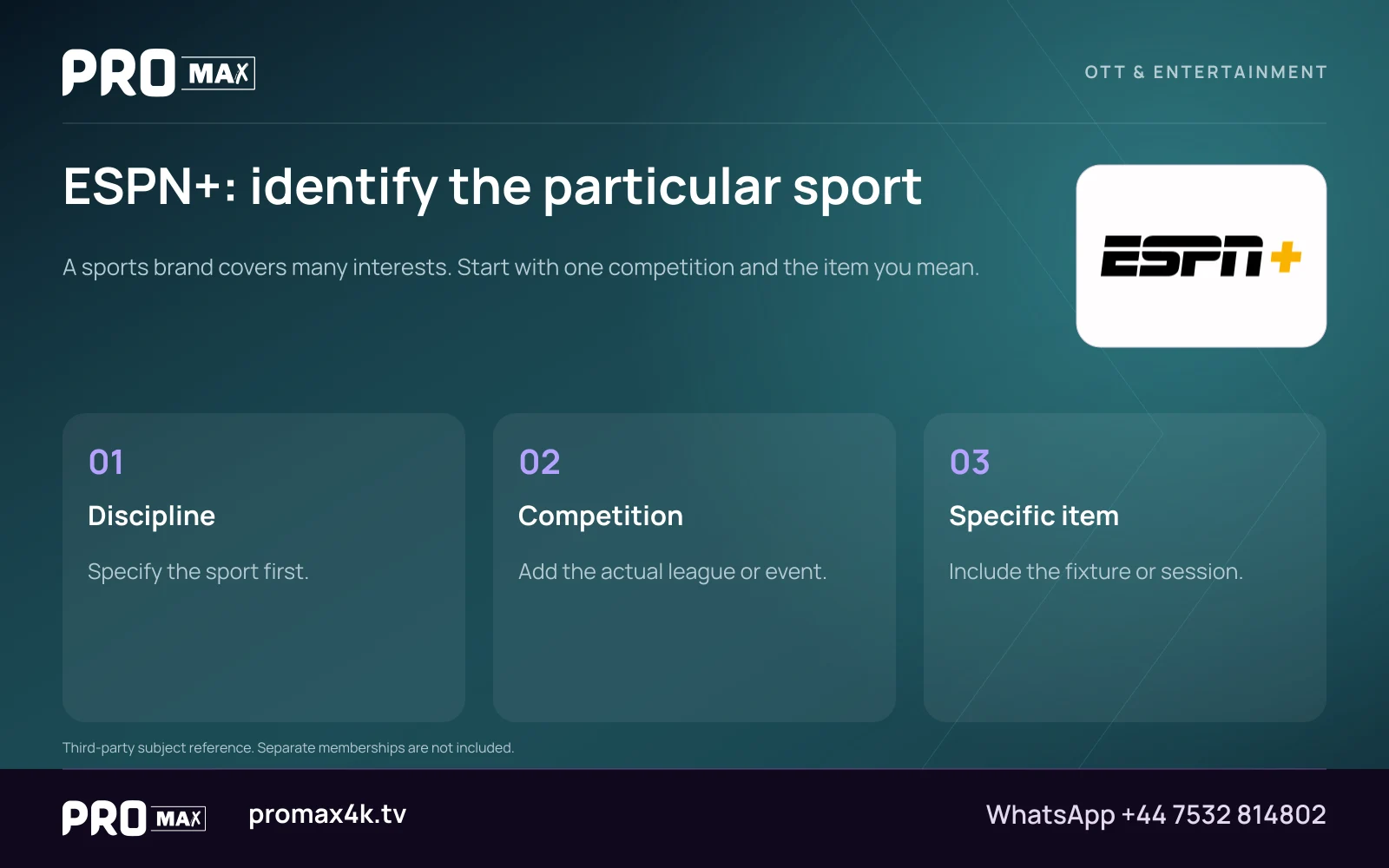
One ESPN app can display programmes with different access labels. The useful way to understand that screen is to separate three layers: the app, the ESPN content service and the account entitlement. A familiar icon does not make those layers identical.
Treat the app as the doorway
The ESPN app is where the viewer browses and opens programmes. Installing it is not the same decision as buying access to every item displayed. In a simple personal record, put the app name beside the device, then place the actual subscription or television-provider route on another line. This avoids the mistaken conclusion that an unlocked menu or a visible event tile proves the entire programme catalogue is available.
Use the current plan names carefully
ESPN describes Select as the offering for ESPN+ content and Unlimited as the broader network-and-service offering. The older ESPN+ label can therefore identify a real content collection without meaning every linear ESPN network. Do not replace one name with another everywhere as though the products were identical. A programme that belongs to a network route and a programme in the ESPN+ collection should keep their own access context.
Follow the entitlement already connected
A viewer may arrive through a direct subscription or an eligible television provider. Use the current instructions for that route before making another purchase. For an illustrative case, a household might see two event tiles and find that only one is available through its present account. That difference is an account question, not immediate evidence of a broken app. Keep payment data and provider recovery details private when asking for assistance.
Describe a problem at the right layer
“The app opens but this programme asks for a different entitlement” is more useful than “ESPN does not work”. It tells the next person that installation and basic navigation succeeded. Conversely, if the app will not launch, the programme’s sporting competition is unlikely to explain the launch failure. Keep the application, selected item and subscription route distinct throughout the conversation. This produces a clearer next step without promising a channel lineup, current event rights or a bundled membership through another streaming service.