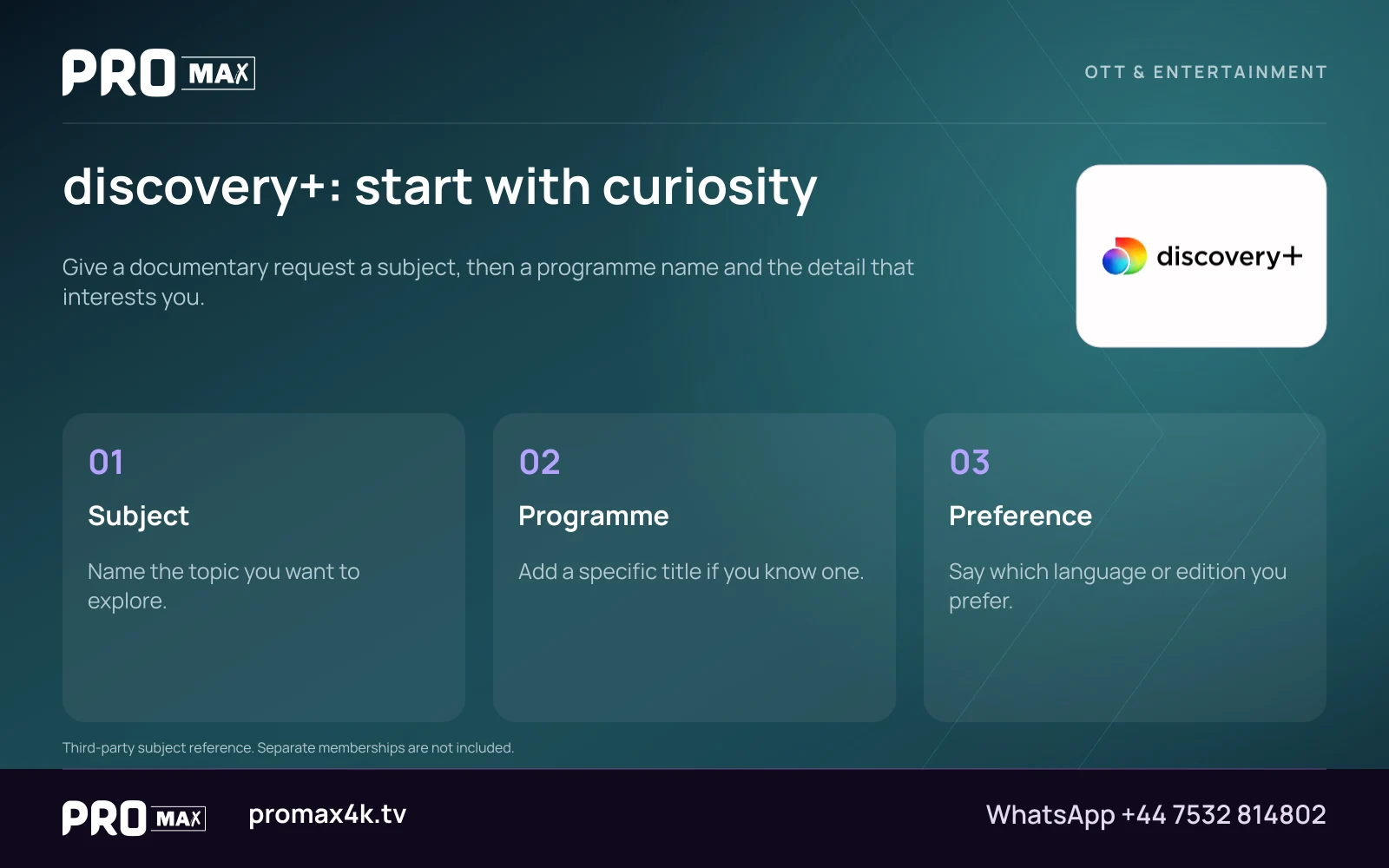
A factual-programme evening can mean learning a recipe, following a renovation or watching a completed investigation. Those are different viewing moods. discovery+ groups several real-life programme brands, but a useful shortlist should explain why a programme fits the evening rather than simply collect network logos.
Choose the kind of attention you want to give
A cooking episode may be something you want to pause and revisit. A renovation series can follow a project across more than one instalment. An investigative programme may depend on information revealed in a particular order. Begin with that difference in attention, not a claim that one genre is better. The service’s stated food, home, natural-history and true-crime categories provide a sensible browsing frame without proving that every named series is currently present.
Separate an episode from a complete story
Read whether the item is one episode, a feature-length documentary or part of a longer series. For a clearly fictional example, a three-part investigation is a different commitment from a standalone film about the same subject. A programme title that sounds complete does not explain its structure. Keep a brief note of the format and the instalment you plan to begin, especially if another household member will join midway through the evening.
Keep curiosity ahead of completion pressure
A useful shortlist might contain one programme you want to learn from, one continuing series and one optional documentary. That is enough choice without turning the evening into a catalogue-management task. If a programme introduces an unfamiliar subject, use its actual description to decide whether you want an introductory or detailed treatment. Do not claim personal expertise from watching it, and distinguish an entertainment programme from professional advice about the activity it portrays.
Use the account that belongs to the viewing route
discovery+ and network GO apps have different access arrangements. That matters if a familiar brand leads to a sign-in screen you did not expect. Follow the service route actually being used rather than assuming a television-provider login unlocks every Discovery-branded app. The programme shortlist answers what you want to watch; the account route answers how that version is accessed. Keeping those decisions separate prevents a simple genre choice becoming unnecessary account confusion.