“Windows 10” is not a sufficiently precise maintenance description. Microsoft’s lifecycle records give Windows 10 Home and Pro 22H2 a general support end date of 14 October 2025, while specialised long-term servicing editions follow different schedules. An operating-system support date also does not establish an individual player’s compatibility.
Write down edition and release together
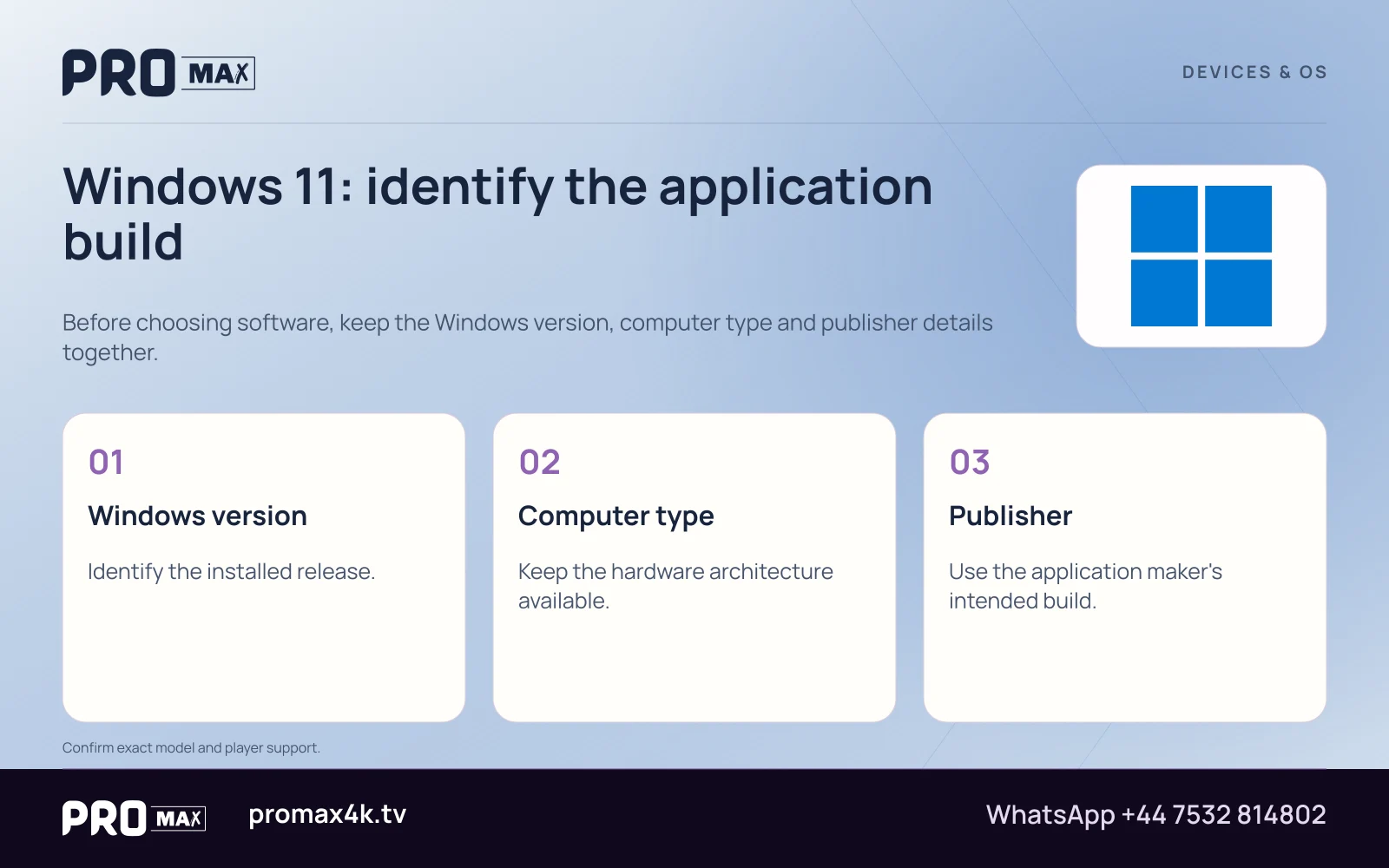
For a support enquiry, collect the edition, release and operating-system build shown by the computer. Home 22H2 and Enterprise LTSC 2021 are not interchangeable names for the same servicing arrangement. A tutorial that says only Windows 10 can hide that difference. Also record the application version and the publisher’s supported-system statement; an app can stop supporting an operating system on its own timetable.
Read the correct lifecycle row
Microsoft’s release information distinguishes standard releases, LTSC editions and IoT Enterprise editions. For example, its current table lists Enterprise LTSC 2021 mainstream servicing through 12 January 2027, with a longer date specifically associated with IoT Enterprise LTSC. Borrowing the IoT date for an ordinary Home laptop would misdescribe that machine. The same caution applies when an enterprise administrator has a separate extended-update arrangement: the existence of such a programme does not prove that a particular household device participates.
Use the facts to plan a migration
Imagine a fictional family comparing a Home 22H2 laptop with an employer-managed LTSC machine. Their maintenance decisions need different ownership and lifecycle information even if both display a Windows 10 desktop. Before replacing the home installation, preserve local documents and app-specific exports, identify the publisher’s current supported route, and confirm that the proposed replacement computer meets that route’s requirements. A successful sign-in on the old machine is not evidence of continued security servicing.
Keep the support report actionable
Include the actual edition and build with any failure report. Avoid claiming that every Windows 10 device receives no updates, or that an LTSC label guarantees an entertainment application will work. The useful outcome is an accurate servicing category and a separate, publisher-grounded application plan.