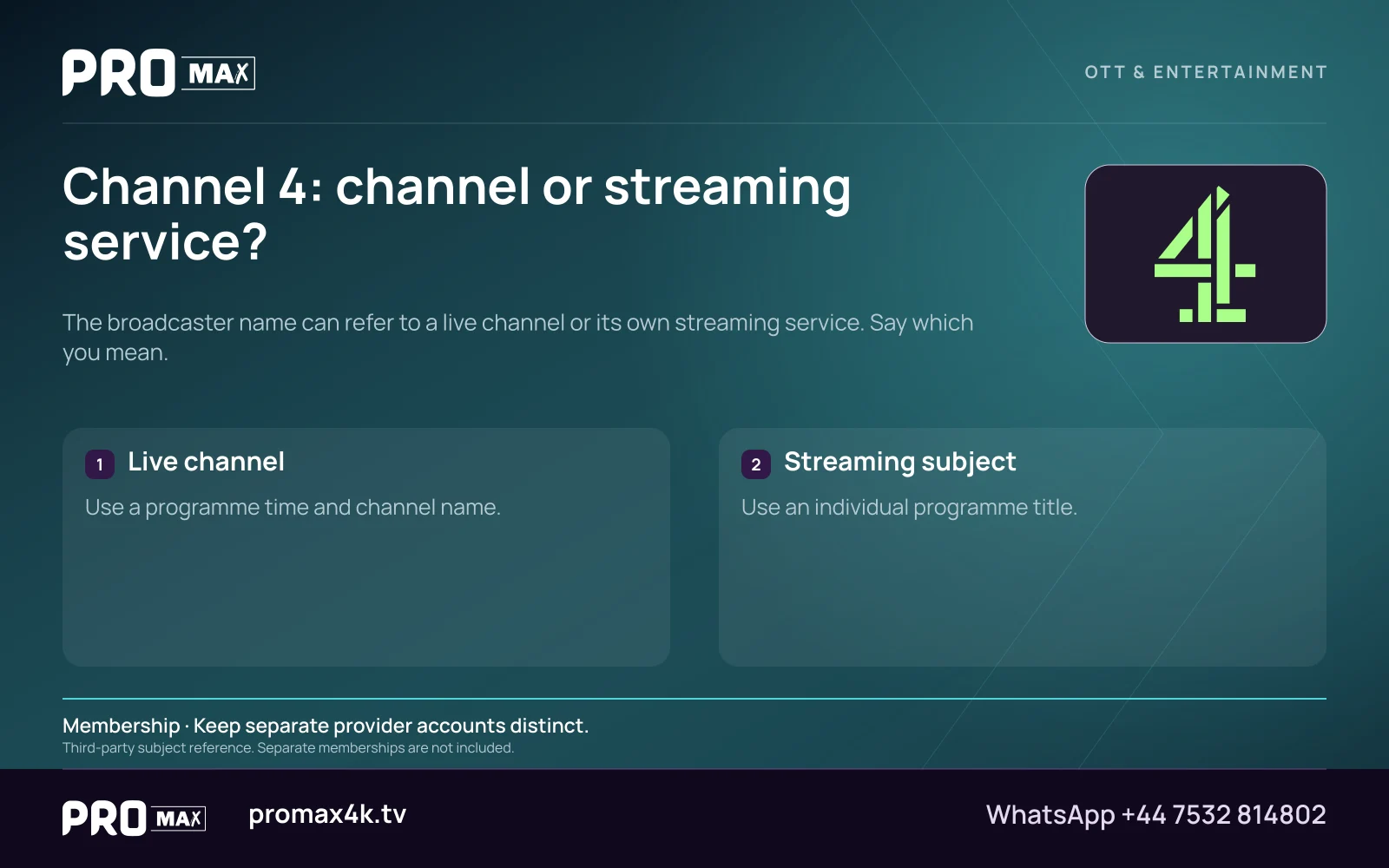
Older guides may call Channel4’s streaming service All4, while a current screen uses Channel4. The broadcaster documented that name change in2023. Understanding the rebrand helps explain an old bookmark or screenshot without assuming that every older device or application remains supported.
Read the old name as historical context
All4 was the earlier streaming-service identity. Channel4’s2023 announcement brought its digital and linear services under one brand. An old article can therefore refer to a real previous name without identifying a separate contemporary subscription that must be purchased. Keep the date beside an old screenshot. The name provides a clue about when the instructions were written, not proof that the interface still looks the same.
Distinguish brand continuity from device support
A rebrand does not by itself explain whether a particular television model can run the current app. Those are different questions. The old guide may correctly describe the programme service’s history and still be unsuitable as an installation walkthrough today. Use current official support information for device eligibility instead of treating a familiar old icon as a guarantee. Do not resolve a name difference by installing an unrelated application with similar branding.
Keep the channel and the programme page separate
Channel4 is also a broadcaster and channel identity. A selected on-demand episode is a different viewing route from joining the linear channel’s current programme. A bookmark may point to either. For a personal viewing note, retain the programme and intended form rather than write only “Channel4”. That gives another household member enough context to distinguish a box set from a live broadcast, even when both share the same brand.
Update the note, not the historical fact
When keeping an old guide, add a clear current-name note and mark interface-specific steps as historical unless verified. There is no need to rewrite the past name as though it never existed. A helpful record explains both what the user saw then and what product name to look for now. This prevents duplicate account assumptions and preserves a useful migration trail without inventing a current device matrix or claiming that a rebrand fixed a playback issue.
Sources & further reading
- https://www.channel4.com/press/news/channel-4-brings-iconic-blocks-back-together-single-brand-streaming-future
- https://www.channel4.com/press/news/channel-4-app-launches-sky-q-bringing-additional-content-customers-and-optimum-viewing
- https://www.channel4.com/press/news/channel-4-announces-summer-streaming-brand-new-drama-comedy-arriving-its-rebranded