YouTube TV’s live guide and personal library solve different problems. The guide answers what is on now; the library helps you return to programmes you have added. Understanding that difference is useful before deciding that a missing beginning or an unexpected playback option is a recording fault.
Give the intended action a name
Imagine a fictional series appearing on a live channel at eight in the evening. At eight-twenty, one viewer wants to join the broadcast, while another wants the complete episode from its beginning. Those are different requests. Opening the live channel answers the first. The second requires an actually available recording or on-demand version, not merely the programme’s name in search. Keep the episode identity and the desired form together.
Understand what adding to the library does
Google’s recording guidance says adding a programme can record current and upcoming airings. If a programme is already in progress when added, the first recording can begin at that point; a later complete airing may replace that partial version. That is a recording-timing explanation, not a promise that a complete version appears immediately. It is more precise than repeatedly removing and re-adding a programme without considering when it was first saved.
Read the actual playback choice
A recording may offer a beginning, a resume point or a route back to live, depending on the available programme. Select the option that matches your goal. A live position is not necessarily the start of the episode, and resuming follows the saved viewing position rather than a new broadcast time. An on-demand version is another form again. Do not assume its advertising or availability conditions are identical to a captured broadcast.
Keep local television in its own context
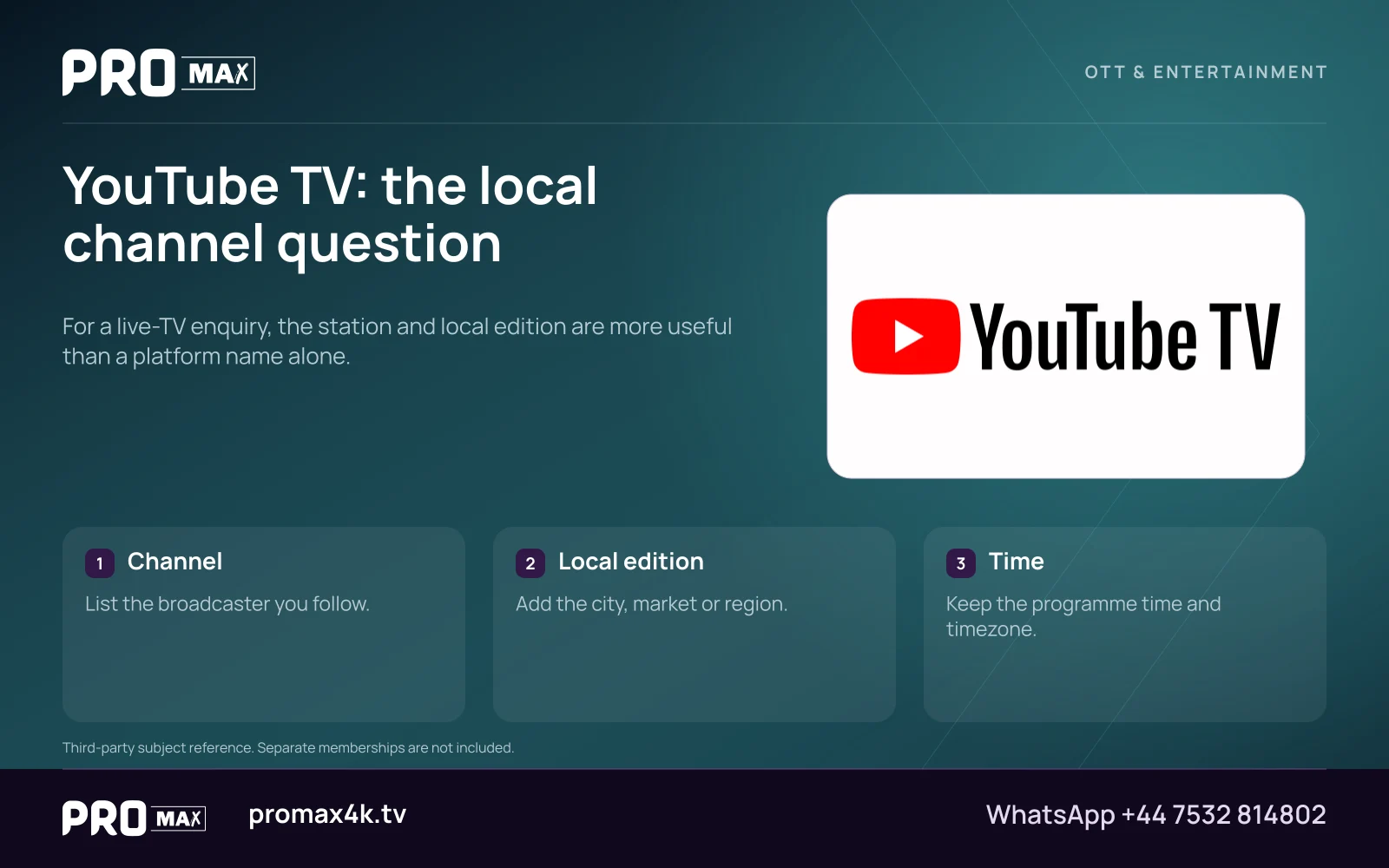
YouTube TV’s local lineup depends on the home area and applicable travel conditions. A local station selection should therefore be considered separately from a nationally available programme title. For a support question, the useful description is “this episode’s recording begins after the opening scene”, not simply “YouTube is broken”. Include the programme form and when it was added, while keeping account and payment information private. That gives the next investigation a clear starting point.