
The installation route
Amazon Appstore for an app offered to that model; publisher APK only when specifically supported
Fire OS; identify exact model first
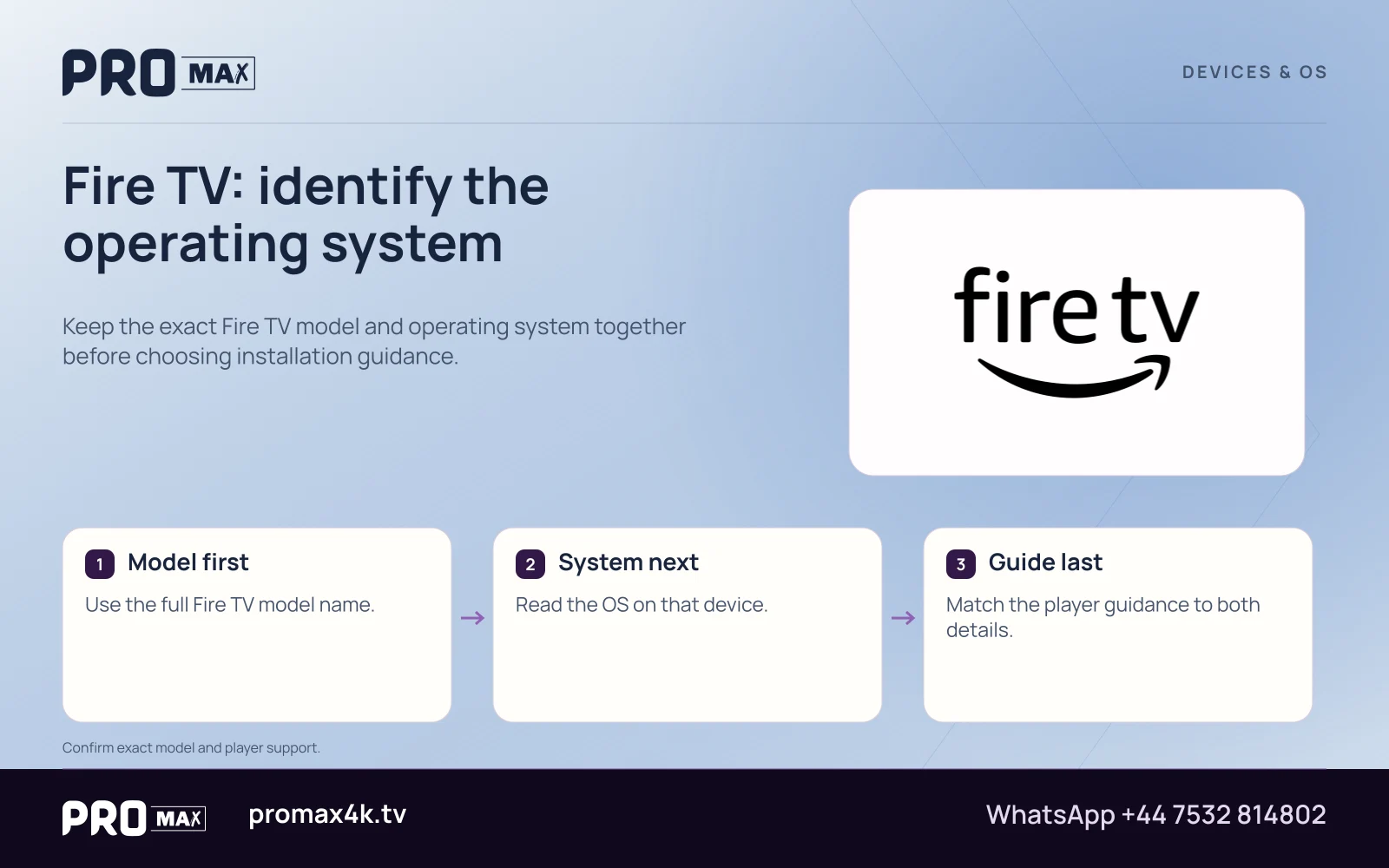
- Identify the device model and its Fire OS version before selecting an installation guide.
- Find the intended player in Amazon Appstore and compare its publisher and device requirements.
- Install the available build and open it before adding any separately supplied service details.
What matters on this platform
Fire TV Stick 4K Plus (2025), 4K Max second generation (2023), and 4K second generation (2023) are listed on Fire OS8.
Amazon documents APK/AAB binaries for Fire OS. A Google Play listing alone does not establish Amazon-device support.
For an intermittent app fault, Amazon documents Settings → Applications → Manage Installed Applications → chosen app → Clear Cache. Clearing Data is separate and can remove local settings.
Player and service access
The device instructions describe the manufacturer’s software route. A ProMax account and the player’s own licence are separate from installing that software. Once the player is ready, contact ProMax for the published one-day trial and discuss the exact player you installed.
No hands-on ProMax compatibility test is claimed for this model. Follow the publisher’s current device requirements when choosing a player.
Useful tasks for this screen
- Identify Fire OS versus Vega before installing
- Find an Amazon Appstore player for the exact model
- Clear one app cache without deleting its saved setup
- Plan a reinstall while retaining account details privately