Your screen. Your subscription. Your ProMax. Start with a one-day trial ↗

Pro Max 4K OTT

Device care in the ProMax journal

Page 1 of 5 for device care: Find LG Services Country on webOS 26 and earlier televisions, An LG app will not install until the required user agreements are accepted.

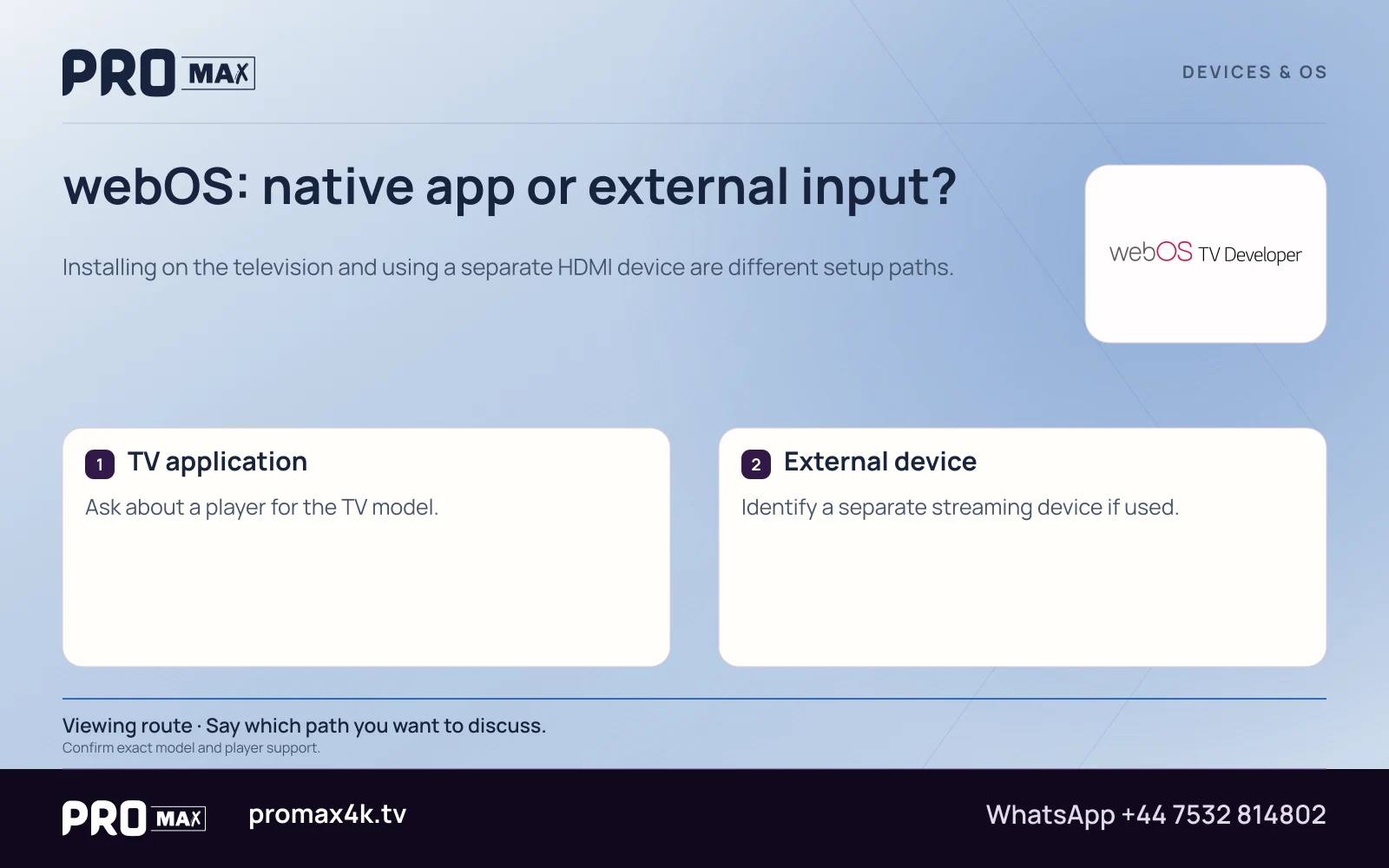
webOS: native app or external input. Installing on the television and using a separate HDMI device are different setup paths. Pro Max 4K OTT, promax4k.tv.

Journal topic

Device care

Explore the relevant guides and their next useful questions.

webOS: native app or external input. Installing on the television and using a separate HDMI device are different setup paths. Pro Max 4K OTT, promax4k.tv.
Device care

Find LG Services Country on webOS 26 and earlier televisions

LG Services Country can affect which applications appear in the television’s store. The setting has moved between webOS generations, so an older screenshot may lead to the wrong menu. Use the television’s real location and the instructions for its software generation before deciding that an application is missing.

Read the guide
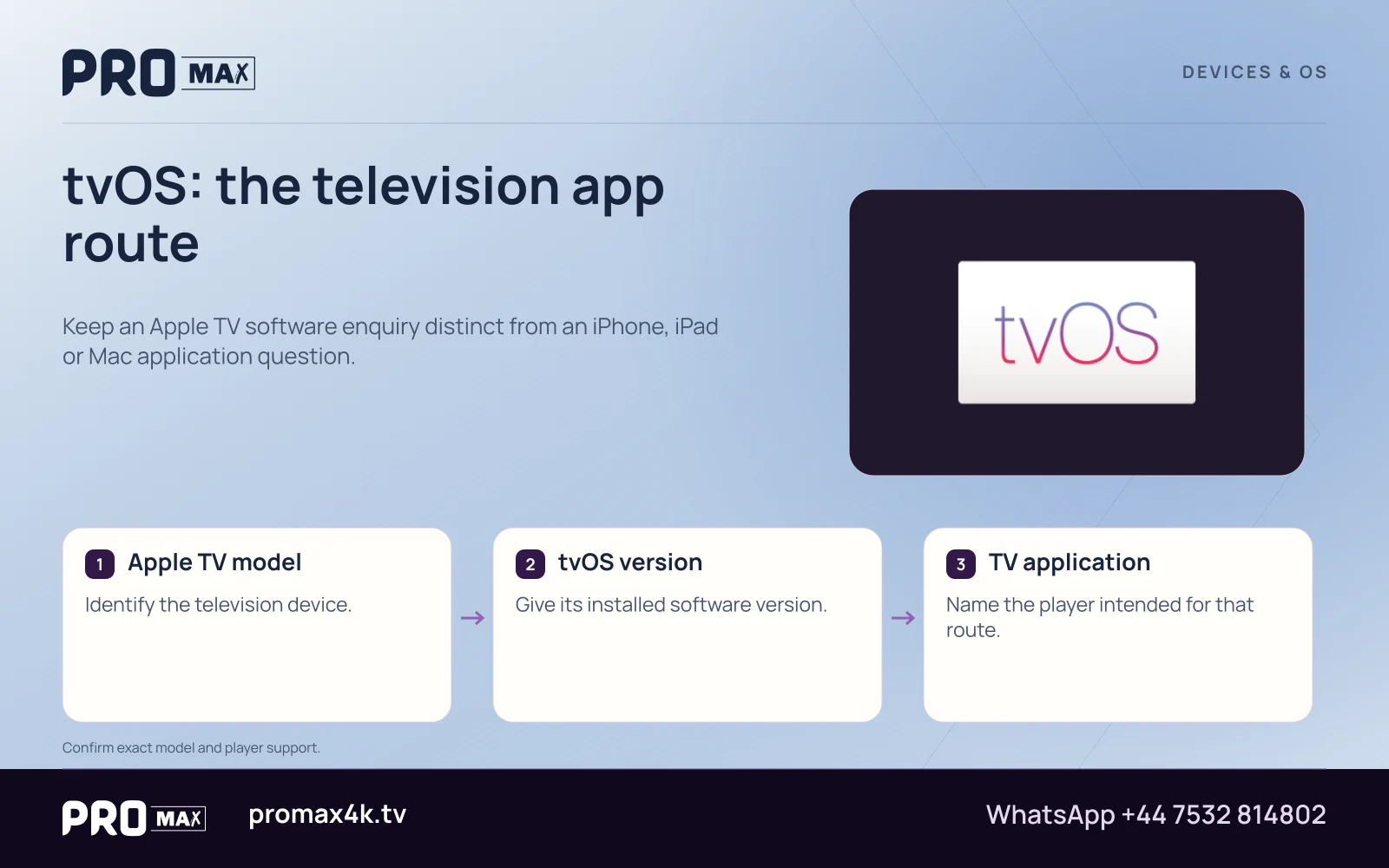
tvOS: the television app route. Keep an Apple TV software enquiry distinct from an iPhone, iPad or Mac application question. Pro Max 4K OTT, promax4k.tv.
Device care

Restore a previously downloaded app on Apple TV using Purchased

A player that has been removed from the Apple TV home screen may be available through the App Store’s Purchased area. Apple documents a redownload route for Apple TV HD and 4K. Use that account-linked route before buying a similarly named application or assuming that service access must be purchased again.

Read the guide
iOS: keep the phone route specific. An iPhone enquiry should identify an iOS player rather than assume a television or Android installer will work. Pro Max 4K OTT, promax4k.tv.
Device care

Find a missing App Store on your iPhone before installing a player

If App Store is missing from an iPhone, there is no point troubleshooting a player download that has not started. Apple’s guidance identifies content and privacy restrictions as one possible cause and also suggests searching the device. Establish whether the store is hidden from view or restricted before changing unrelated settings.

Read the guide

An evening worth making time for

Get the player ready.
We’ll help with the rest.

Install the player for your screen, then WhatsApp the ProMax team for a one-day free trial. Already watching? Open the help desk for your next step.

Ask ProMax↑