
VLC
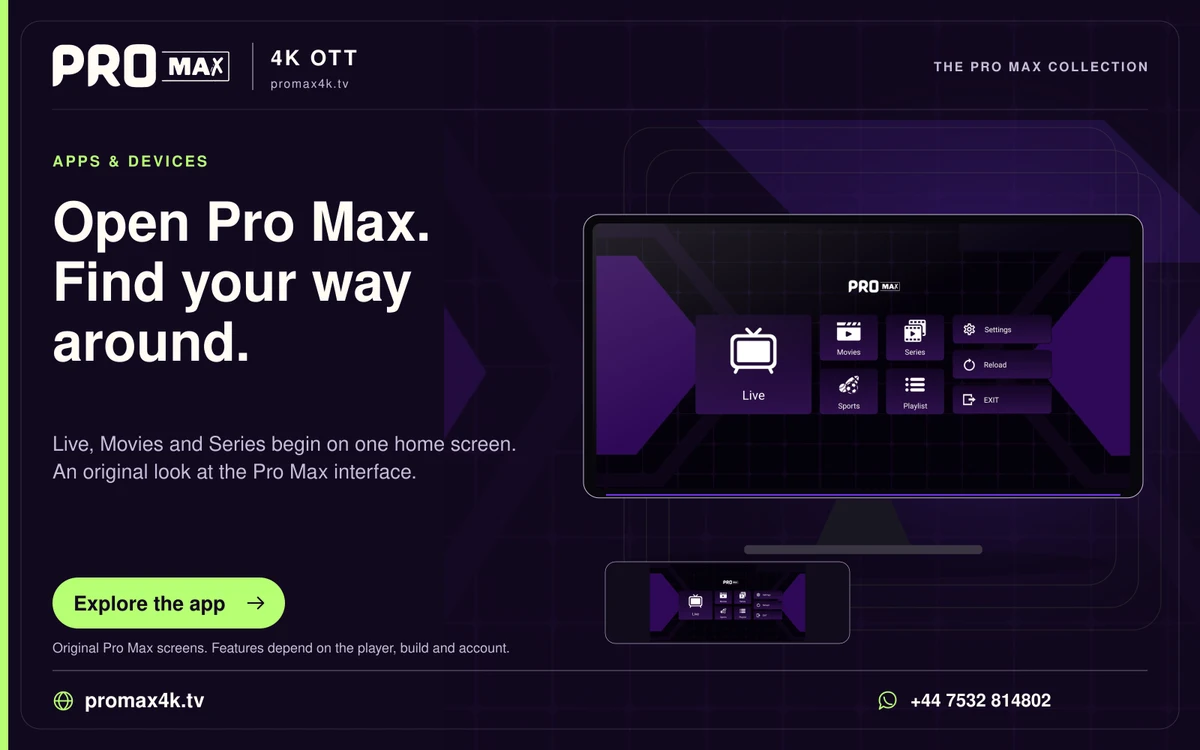
Compare VLC hardware acceleration without changing every setting
VLC can use different decoding paths depending on the platform and settings. Read the explanation, worked example and practical next steps in the Pro Max journal.
Read the guidePro Max 4K OTT
Page 2 of 4 for vlc: Compare VLC hardware acceleration without changing every setting, Load a legitimate external subtitle file in VLC.
Journal topic
Explore the relevant guides and their next useful questions.
VLC can use different decoding paths depending on the platform and settings. Read the explanation, worked example and practical next steps in the Pro Max journal.
Read the guide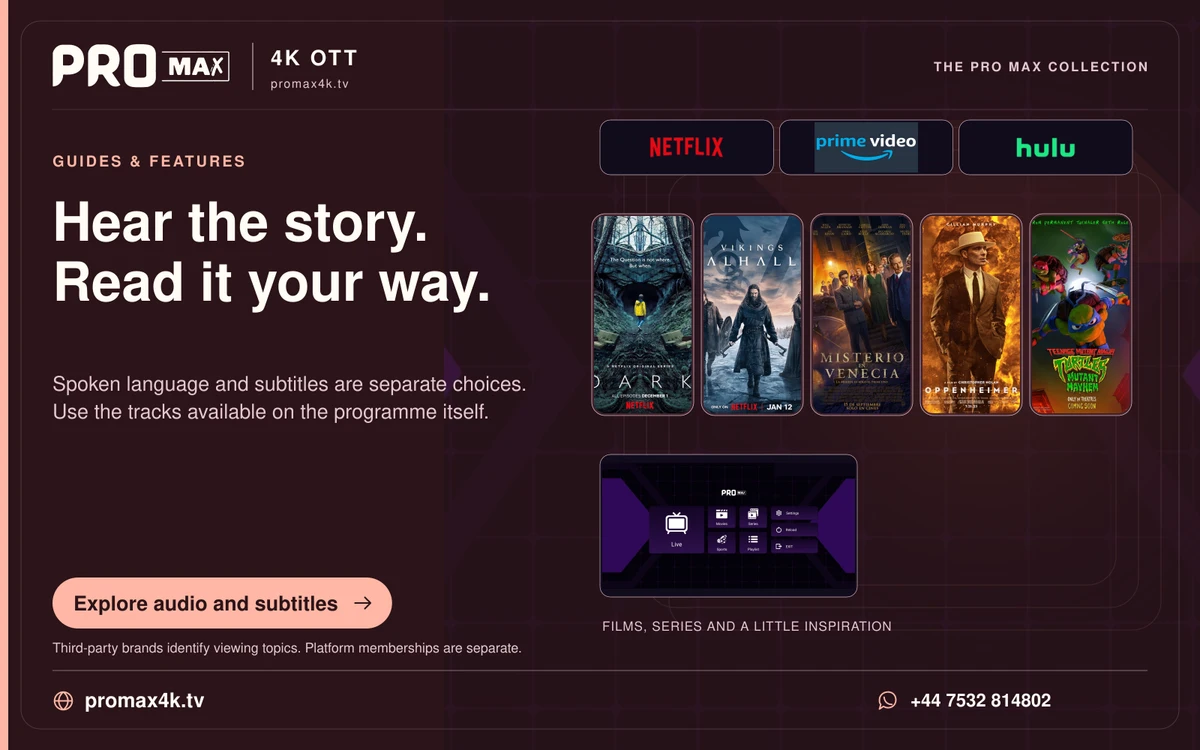
VLC can load supported external subtitle files alongside a video. Read the explanation, worked example and practical next steps in the Pro Max journal.
Read the guideA media source can already contain more than one subtitle track. Read the explanation, worked example and practical next steps in the Pro Max journal.
Read the guide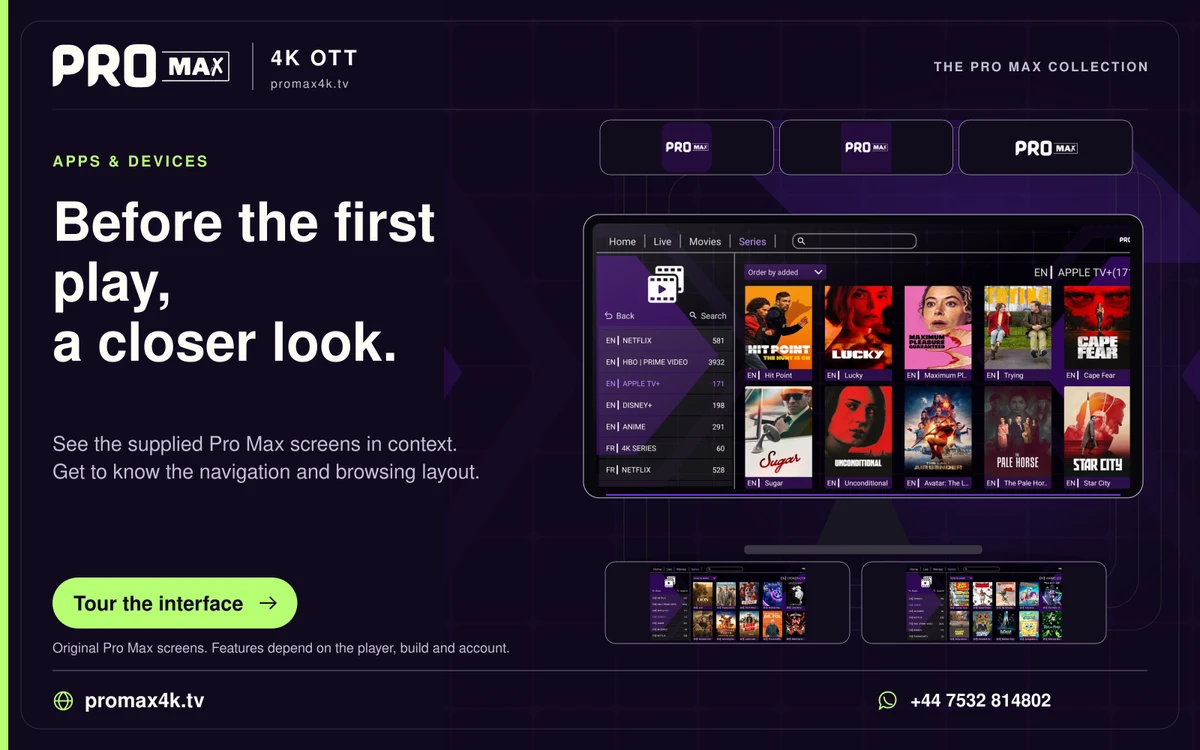
Subtitles that are encoded into the video image are part of the picture. Read the explanation, worked example and practical next steps in the Pro Max journal.
Read the guide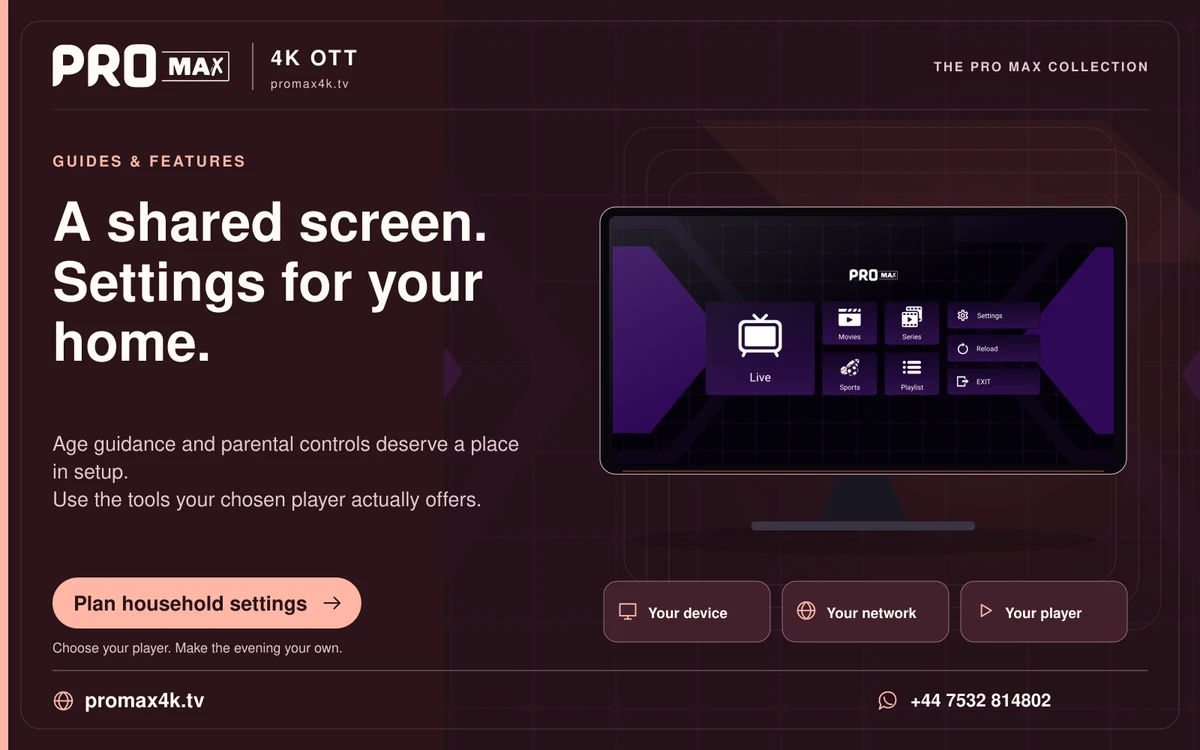
If a text subtitle displays broken accented letters or unfamiliar replacement symbols, review its character encoding rather than changing the video decoder first.
Read the guideVLC’s subtitle-delay control moves subtitle timing relative to the video. Read the explanation, worked example and practical next steps in the Pro Max journal.
Read the guide