
VLC
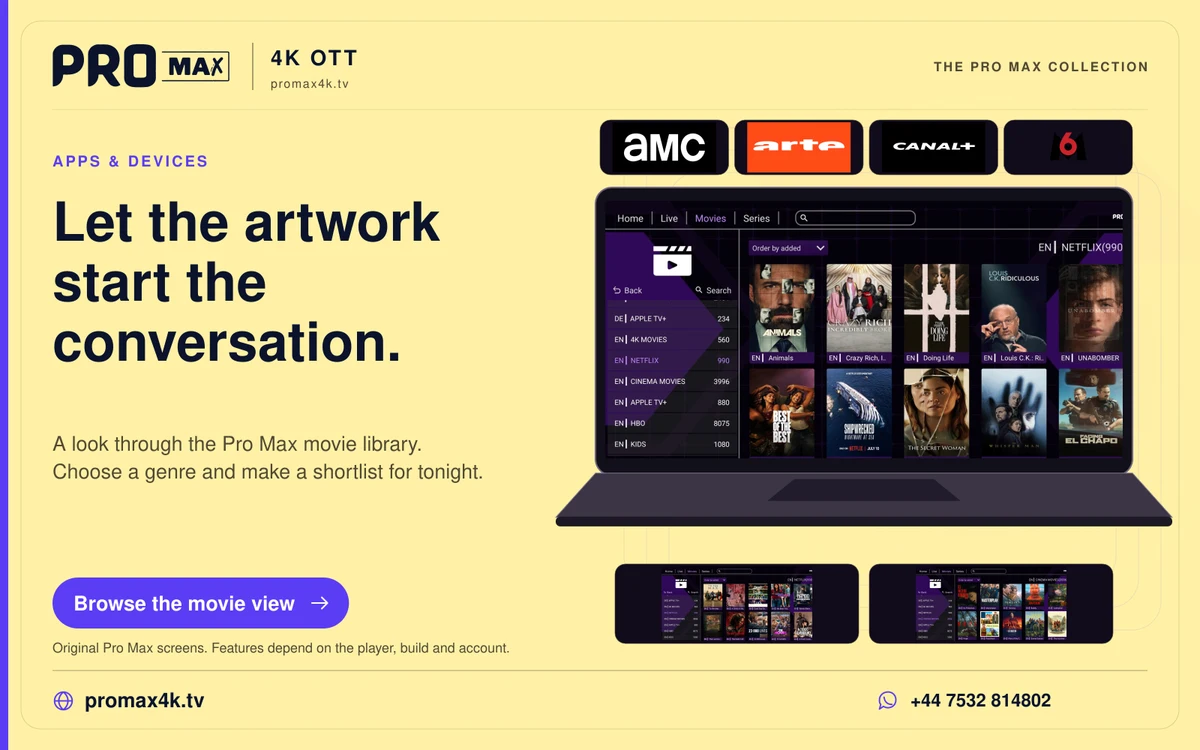
Clear VLC playback history without resetting all preferences
VLC for Android offers a playback-history clearing action. Read the explanation, worked example and practical next steps in the Pro Max journal.
Read the guidePro Max 4K OTT
Page 4 of 4 for vlc: Clear VLC playback history without resetting all preferences, Reset VLC preferences only after recording intentional changes.
Journal topic
Explore the relevant guides and their next useful questions.
VLC for Android offers a playback-history clearing action. Read the explanation, worked example and practical next steps in the Pro Max journal.
Read the guide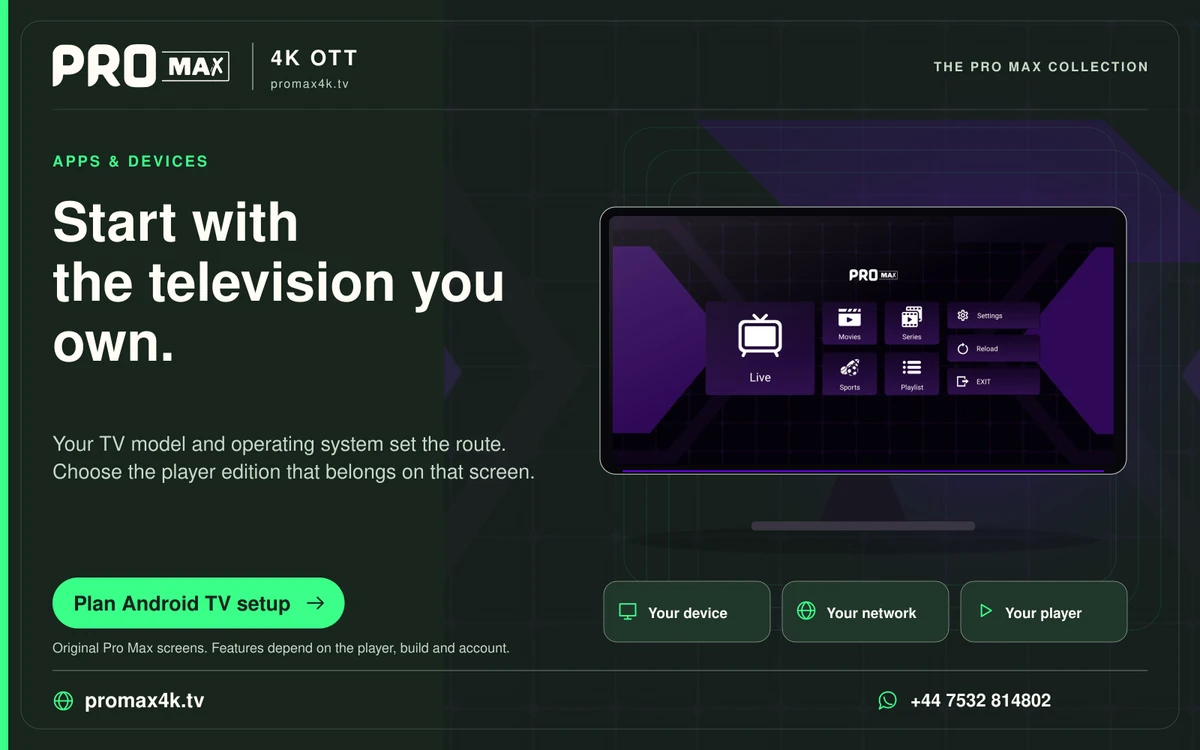
Resetting VLC preferences can help investigate configuration problems, but it also removes deliberate adjustments.
Read the guide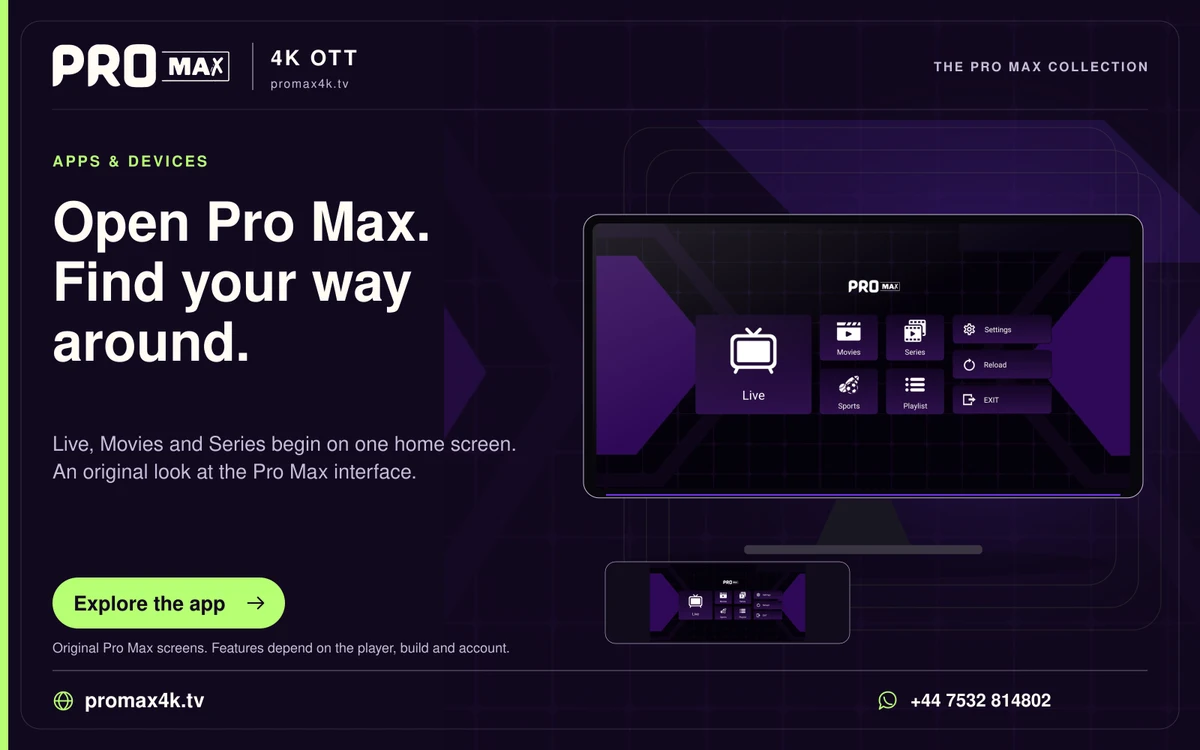
A useful VLC Android report identifies the exact device, Android version, VLC version, reproducible steps and whether the issue affects one media item or many.
Read the guideVLC’s desktop messages can help explain an input or playback failure, but logs may include the complete media address.
Read the guide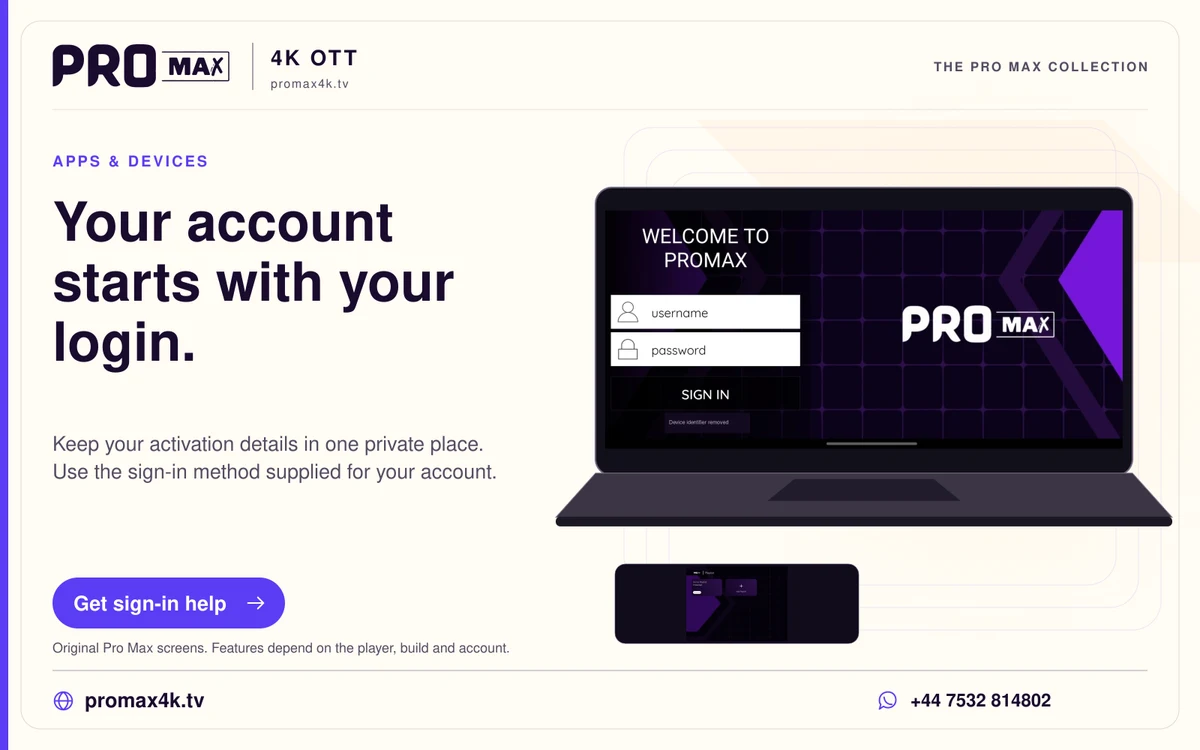
VLC’s playlist controls can advance, repeat or shuffle media items. Read the explanation, worked example and practical next steps in the Pro Max journal.
Read the guide
Fullscreen enlarges VLC’s presentation to occupy the display. Read the explanation, worked example and practical next steps in the Pro Max journal.
Read the guide