
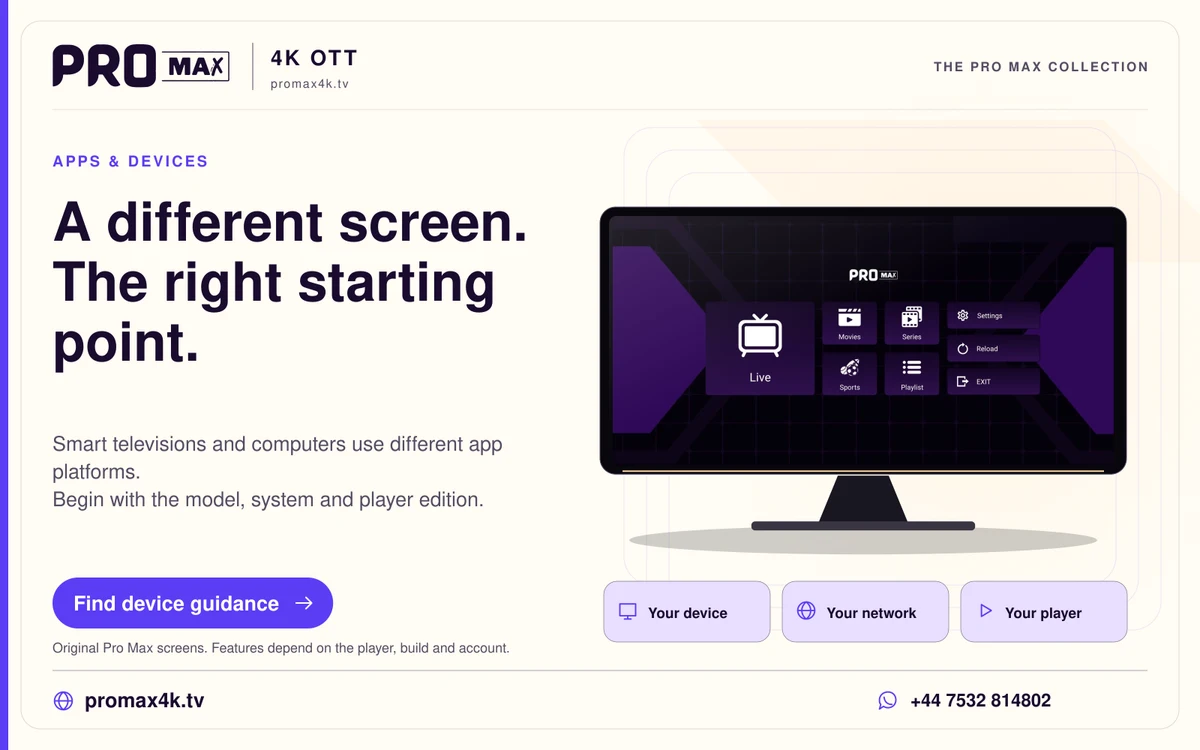
Samsung smart televisions use their own TV application platform. A Samsung phone’s Android software and a Samsung television’s Tizen software are different installation targets. Use the television’s Apps route and a publisher-supported TV edition. The supplied Pro Max APK is an Android package, so copying it to a USB drive does not make it a Samsung TV application.
Identify the television, not just the brand
Record the model number and software version from the television’s information screen. Model year, platform and store availability can matter even when two screens carry the same Samsung name. Keep the model with your support enquiry; screen size alone is not enough to select an app guide. An external HDMI player is another computer with its own operating system, not an update to Tizen.
Find the intended player
Open the Apps area on the TV, search for the publisher’s actual product and inspect the listing. A similarly named application is not proof of the same developer. If the app does not appear, consult the publisher’s current platform information and Samsung’s compatibility guidance. Avoid buying a player licence on the assumption that an old screenshot proves availability for your model and region.
Install and launch before service activation
Use the TV store’s install route and open the application once the download completes. A request to sign in to a Samsung account concerns the television store; a player licence concerns the software; your streaming login concerns the service. Keep those purchase and activation records separate. Do not paste a service password into a publisher account field simply because both screens say Sign In.
Add only the account method the player accepts
A player can ask for a playlist URL, server-style credentials or another supported method. Use the private activation instructions for your own account. If the method does not match what you were supplied, ask support before changing values or trying a random public portal. A MAC address or device key should remain in the relevant private support conversation.
Make the first session useful
Use the player’s own controls to find categories, open an item and inspect audio or subtitle choices. Set a comfortable television picture mode and avoid overscan that cuts off the interface edges. If there is a problem, record the model, app name, version and symptom. A clear description of which stage worked is more useful than an unexplained claim that the TV is incompatible.
A practical sequence
- Read the TV model and software information.
- Use the TV Apps store and the current publisher listing.
- Install and open the player before requesting activation.
- Keep store, player licence and service credentials separate.
- Message support after installation for the one-day Pro Max trial.
An example
A Samsung phone can use an Android app while the household’s Samsung television needs a Tizen edition. The shared manufacturer does not make the phone installer usable on the TV. The service enquiry should identify the television model and the TV player actually installed.