Pro Max 4K OTT

Family Viewing and Player Controls

Check actual content and the selected player’s controls before using a setup for children or shared family viewing. A category label alone is not an age-suitability guarantee.

promax4k.tv+44 7532 814802
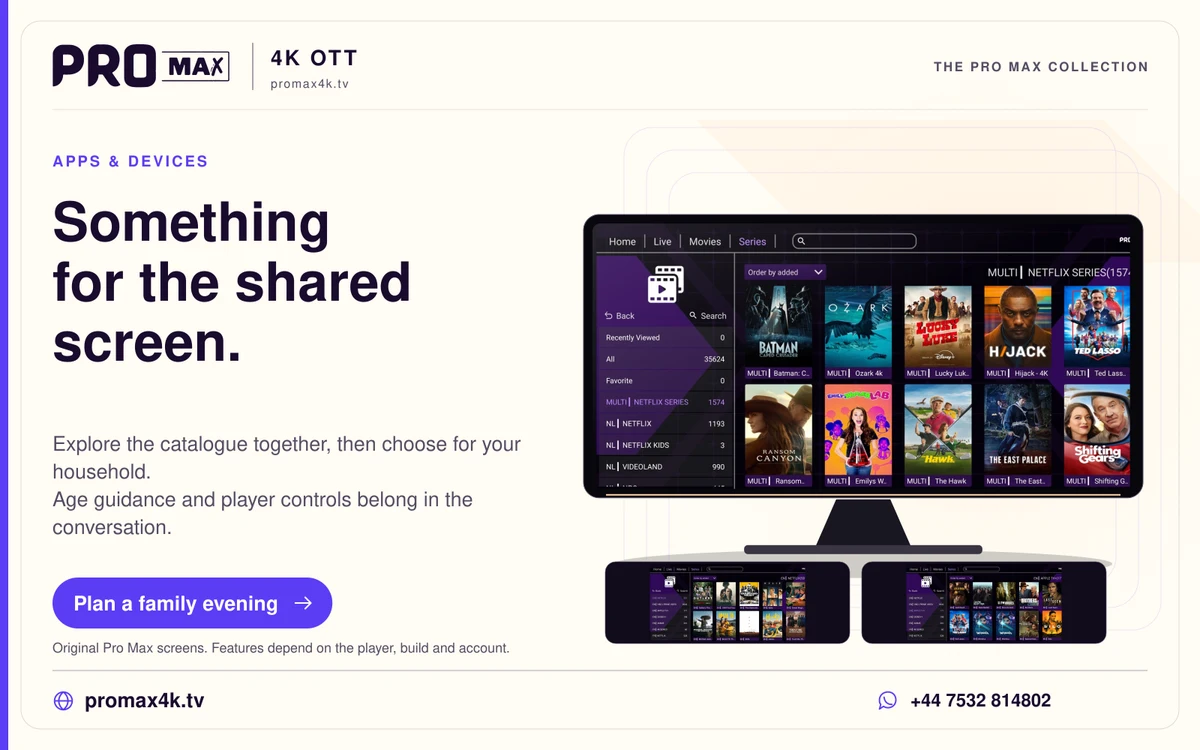
Pro Max catalogue artwork and app navigation in a family browsing card.
Explore the catalogue together, then choose for your household. Age guidance and player controls belong in the conversation.
A practical guide

The details you need.

Check actual content and the selected player’s controls before using a setup for children or shared family viewing. A category label alone is not an age-suitability guarantee.

Prepare a reviewed favourites list

Choose specific items you have checked, then confirm how the player exposes search, categories and recently watched items. A favourites list narrows navigation but may not restrict other areas.

Use documented locks where available

Review the player’s PIN and category settings and any device-level restrictions. Test after reopening the app and after an update. Do not assume every app licence includes these controls.

Keep account details separate

Avoid sharing the account password as a parental PIN. Check the concurrent allowance when more than one family member watches, and explain that software licence rules and service limits differ.

Related guidance

Keep the next step simple.

Choose the right device guide

Find the operating-system route for your screen.

Explore →

Read the technical detail

Clear definitions of player, media and network terms.

Explore →

Get account-specific help

Speak to support with your device and player details.

Explore →
Your evening starts here

Get the player ready. We’ll help with the rest.

Install the app for your screen, then WhatsApp the Pro Max team for a one-day free trial. Already watching? Go straight to the viewer help desk.

WhatsApp