
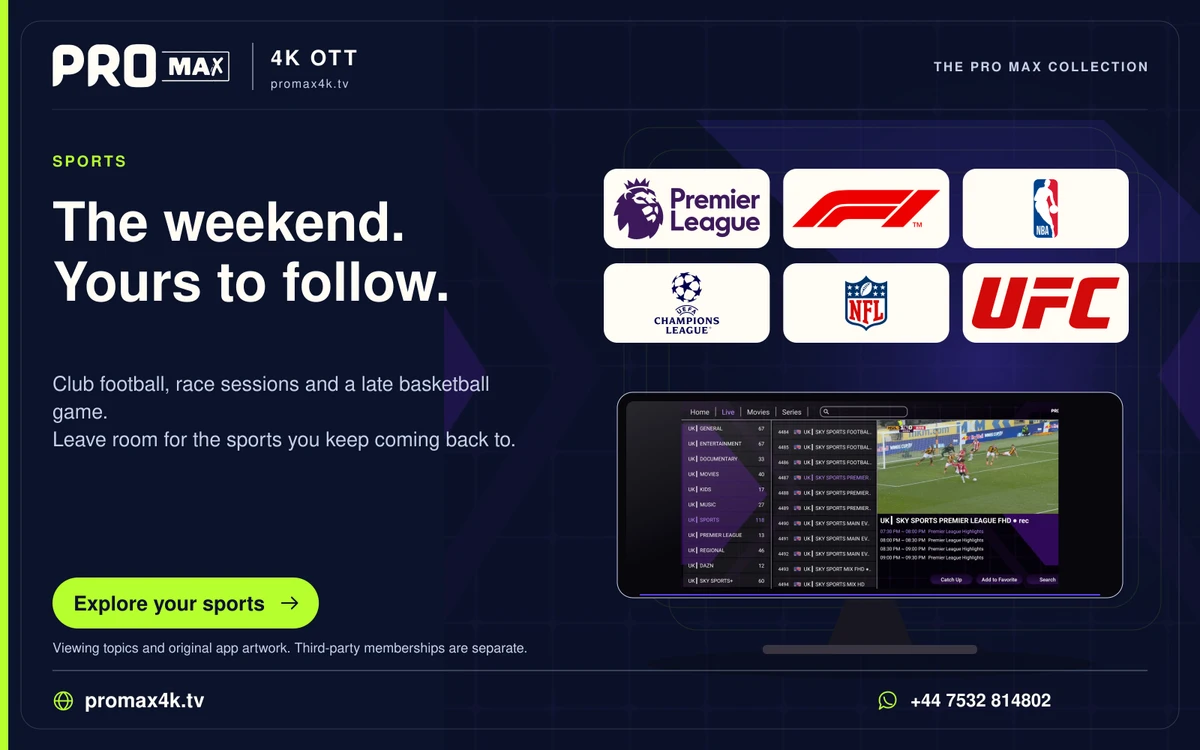
Prepare the device and network before the event, then confirm whether the actual event and source are available. A sports logo, EPG entry or generic category does not guarantee an event feed.
Confirm the event first
Ask about the specific event, intended region, available language, source and account conditions. Do not infer rights or availability from the marks displayed on this website.
Before the event starts
- Check account expiry and concurrent usage.
- Restart and update the player ahead of time rather than during the event.
- Check the device time zone and guide entry.
- Compare the connection under usual household load.
- Test the audio output and remote controls.
Organise navigation
Save the confirmed item as a favourite and check the entry still opens. A favourite can remain after a source changes. Review the EPG time against the actual event information.
If playback fails
Compare another live item and record the affected source and time. Avoid changing several settings during the event. Send support the precise scope of the problem.