Pro Max 4K OTT

Renew an IPTV Subscription

Confirm the existing account, current expiry, renewal period and final price before paying.

promax4k.tv+44 7532 814802
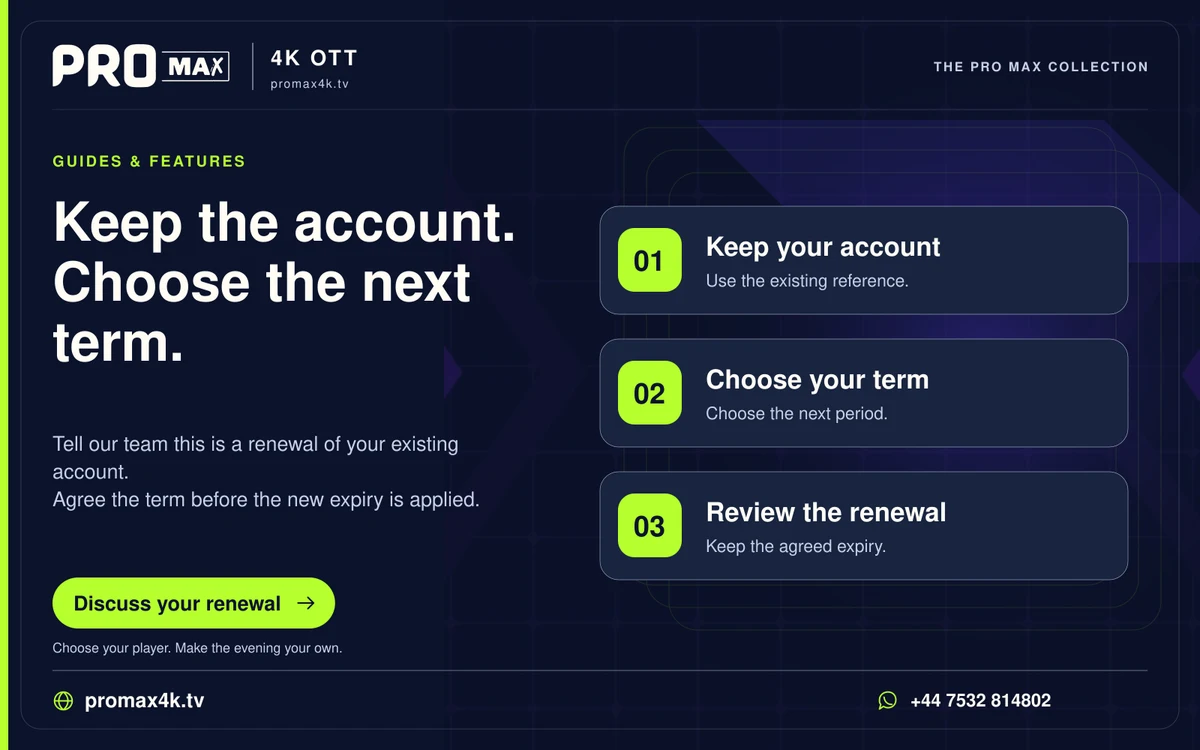
Pro Max renewal workflow: keep the account, choose the next term and review the renewal.
Tell our team this is a renewal of your existing account. Agree the term before the new expiry is applied.
A practical guide

The details you need.

Confirm the existing account, current expiry, renewal period and final price before paying. A renewal should follow the provider’s supported process rather than creating an unintended duplicate account.

Confirm the renewal terms

  • Existing account reference through a private contact route.
  • Purchased period and current renewal price.
  • Whether the new period extends expiry or starts immediately.
  • Connection allowance, player licence and applicable refund terms.

After the renewal is confirmed

  1. Keep the written order and receipt privately.
  2. Wait for the confirmed activation or extension.
  3. Check the resulting expiry through the supported account display or support record.
  4. Test playback on the intended device and report any mismatch.

When a trial has expired

A trial is not a paid renewal. Confirm whether the same details can be used for a paid order and ask about eligibility before requesting another trial.

Related guidance

Keep the next step simple.

Choose the right device guide

Find the operating-system route for your screen.

Explore →

Read the technical detail

Clear definitions of player, media and network terms.

Explore →

Get account-specific help

Speak to support with your device and player details.

Explore →
Your evening starts here

Get the player ready. We’ll help with the rest.

Install the app for your screen, then WhatsApp the Pro Max team for a one-day free trial. Already watching? Go straight to the viewer help desk.

WhatsApp