
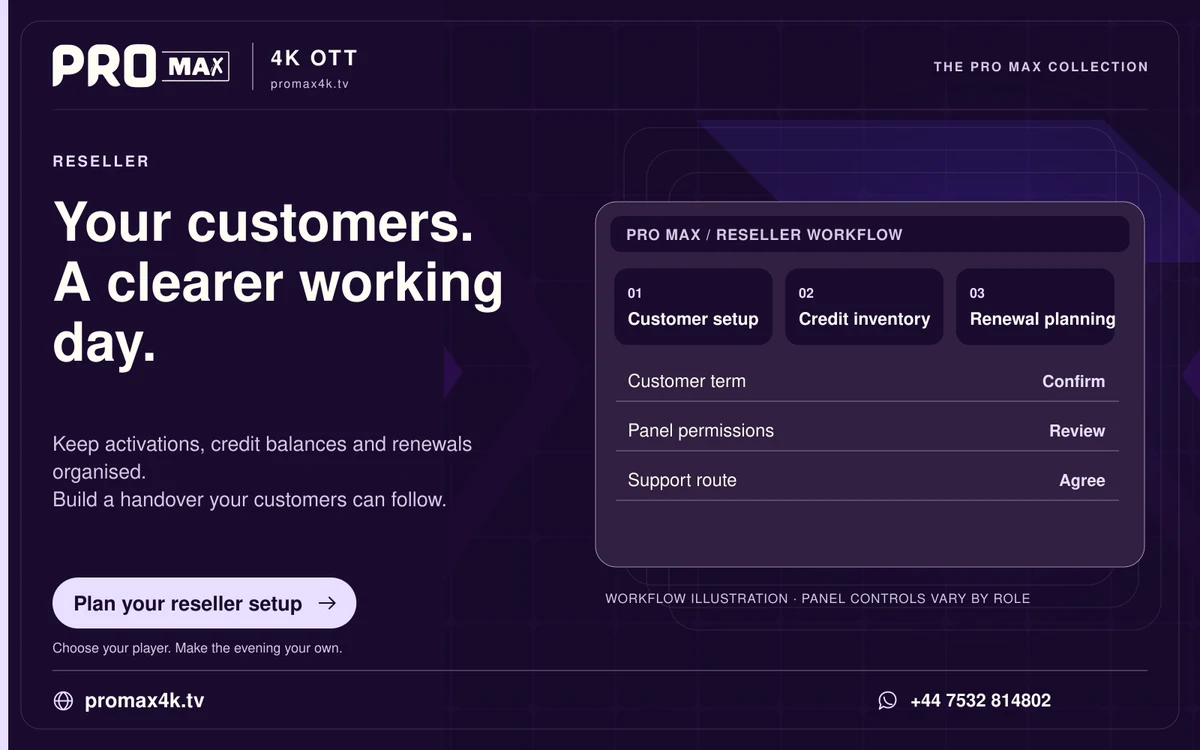
A customer handover should identify the purchased period, confirmed connection limit, setup method and support route. Keep account credentials private and separate from general customer notes.
Before activation
- Confirm the device, player and accepted login format.
- Provide the actual price, period, renewal process and refund conditions.
- Check whether a separate player licence is needed.
- Confirm availability of the customer’s priority categories.
Deliver a clear handover
- Send account details through the agreed private channel.
- Link to the appropriate device guide.
- Ask the customer to test one live item, one on-demand item and the EPG where supplied.
- Explain the concurrent connection limit and expiry date.
- Provide a support route and the details to include if a problem occurs.
Keep a minimal operational record
Record the customer reference, purchased period, expiry, device family and support status. Do not store passwords, full card numbers or a tokenised playlist in a shared spreadsheet.