
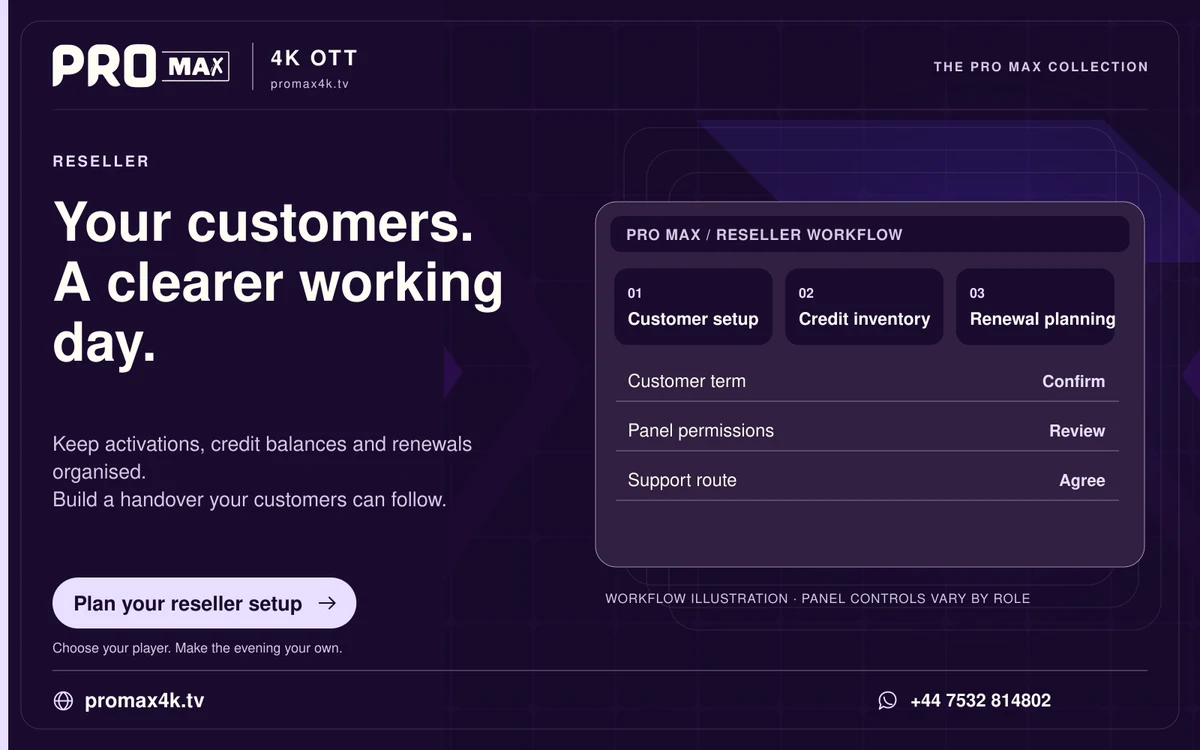
Use a reseller panel to perform the supported customer-account actions, then reconcile the credit balance and expiry. Available menus and permissions depend on the panel account; this guide does not represent a tested live panel session.
Create an account carefully
- Confirm the customer plan, allowed connections and login method.
- Check the credit schedule and opening balance.
- Review the account values before submitting an activation.
- Check the result and expiry in the panel.
- Deliver credentials privately and explain the connection limit.
Renew without creating a duplicate account
Find the existing customer record, confirm its current expiry and apply the provider-supported renewal action. Review whether the new duration extends the current expiry or starts immediately. Save the transaction reference and resulting balance.
Protect panel access
Use a unique password and multi-factor authentication if the panel offers it. Check the recovery route, active sessions and permission levels. Never share the administrator login as a shortcut for customer support.
When the credit balance does not match
Stop repeating the action. Compare the action log, expected credit debit and customer result. Contact support with the timestamp, action reference and before/after balance; redact customer credentials.