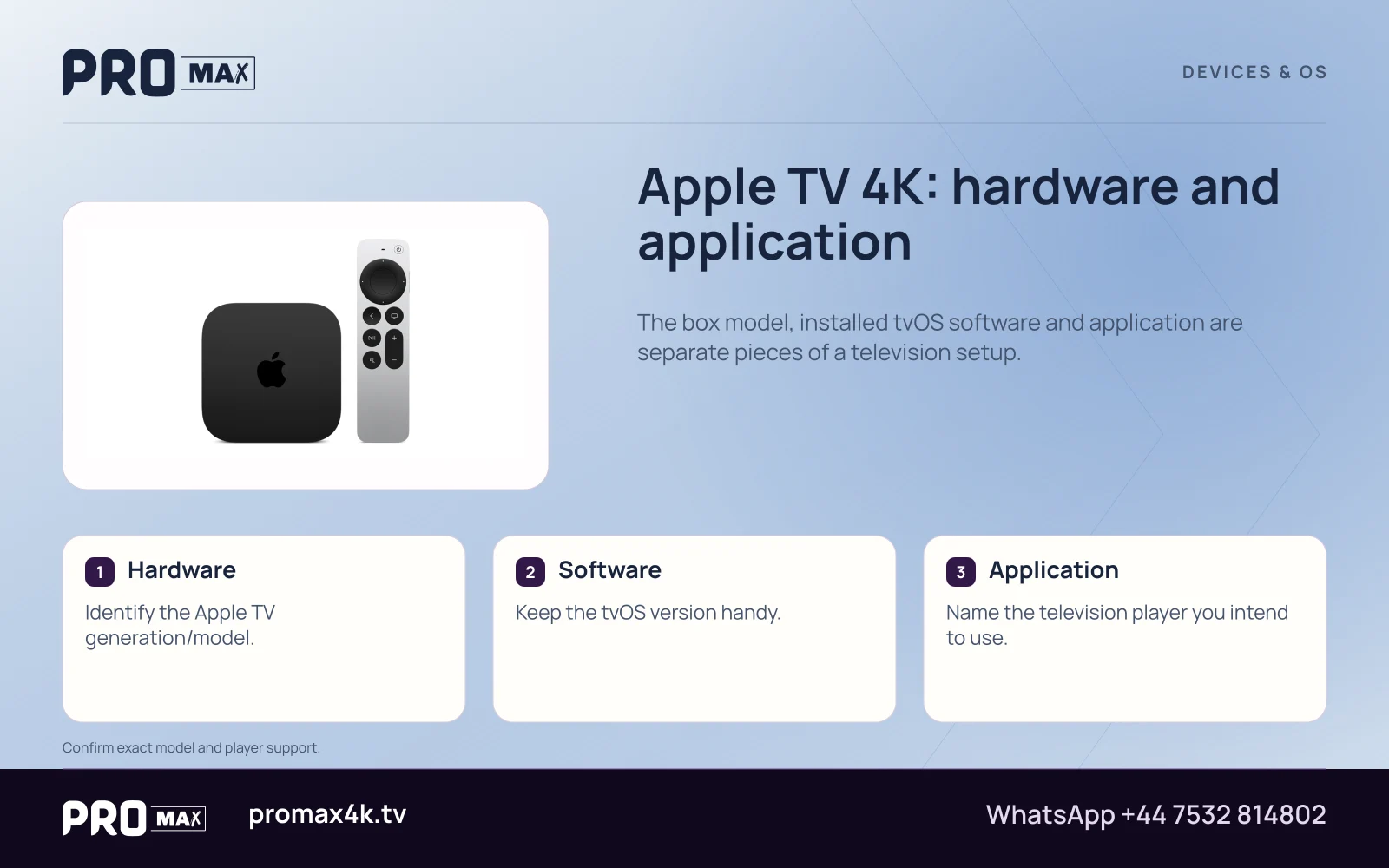
Apple TV 4K has two similarly named app settings with different jobs. Automatically Update Apps maintains installed software, while Automatically Install Apps can add a television edition after an app is downloaded on another Apple device. Review the correct switch when unexpected applications appear or an existing player needs an update.
Identify which behaviour you want to change
An app appearing on the television after an iPhone download is different from an installed app receiving a newer release. Apple documents both controls under Settings → Apps. Keep the two behaviours separate before changing a switch so the result matches the actual household preference.
The automatic-install feature depends on a television edition being available and the same Apple Account being used. It does not turn every iPhone app into a tvOS app. An absent television version is an availability question, not necessarily a failed automatic download.
Choose the appropriate control
Use Automatically Install Apps when reviewing whether eligible applications from the other device should be added to Apple TV. Use Automatically Update Apps when deciding how installed television applications obtain new versions. These settings manage app distribution; they do not start or renew a ProMax service term.
If automatic updates are off, Apple documents checking the application in the App Store for an offered manual update. Keep the installed player’s identity clear rather than installing a second similarly named player simply because its store page looks newer.
Verify the intended result
After changing a setting, observe the behaviour it actually controls. For an update decision, inspect the installed app and its offered store update. For an automatic-install decision, consider only an app with a documented Apple TV edition. Do not use a mobile-only player as the test of a television feature.
Record the chosen preference in the household setup note so another person does not accidentally reverse it while addressing a different problem. A predictable application-installation policy can reduce surprises, but it does not verify player compatibility, restore removed local data or establish the status of a service account.
A practical sequence
- Open Settings → Apps on Apple TV 4K.
- Choose whether the task concerns adding eligible apps or updating installed ones.
- Review the matching automatic-install or automatic-update setting.
- Use the App Store’s offered update when maintaining an app manually.