A renewal calendar should use the service’s confirmed expiry and the customer’s actual term. Do not infer every expiry by adding thirty-day blocks or copying the app licence date. Keep reminders as operational prompts rather than proof that a payment or renewal has already occurred.
Use explicit date fields
Record activation, confirmed expiry and reminder date separately. Include timezone context when the exact cutoff matters. A reminder can be scheduled earlier without changing the actual service end time.
Keep communication authorized
A customer’s renewal record does not automatically authorize unrelated marketing. Use the actual communication preferences and applicable process. A support reminder should identify the relevant term without exposing account passwords.
Update after confirmation
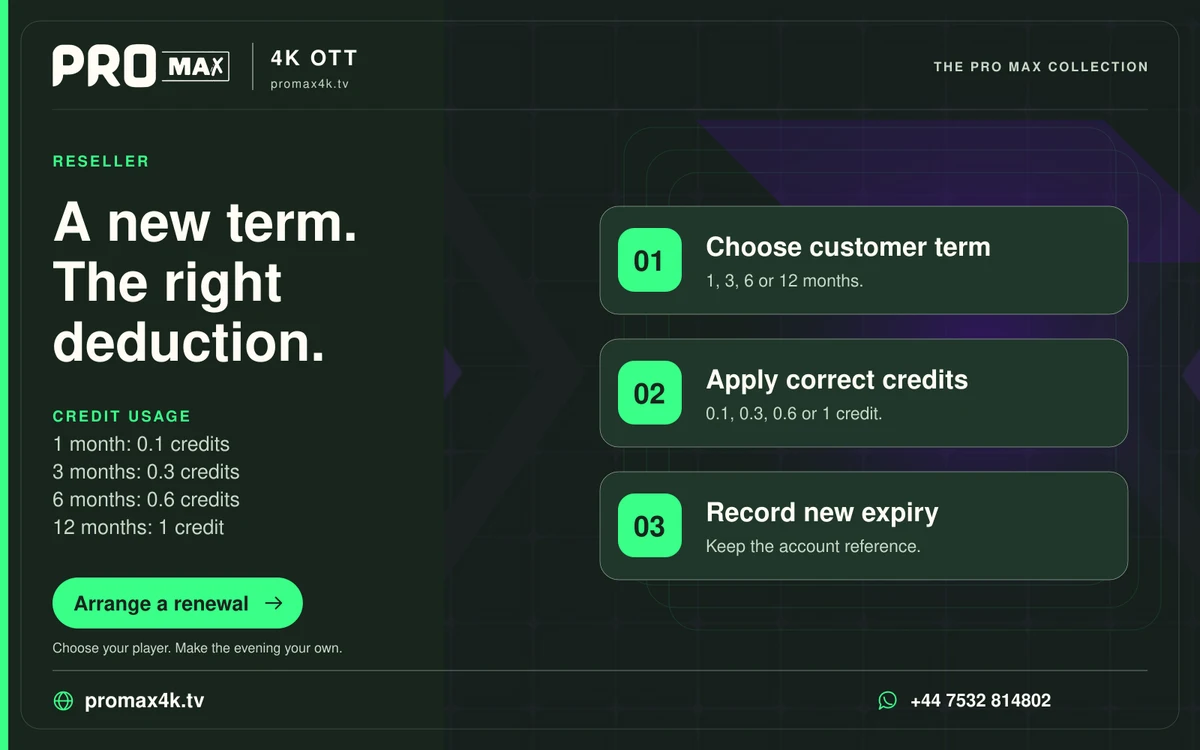
When a renewal completes, record the resulting expiry supplied by the service. Do not simply mark the reminder done and leave the old date in place. Preserve the transaction reference privately for later reconciliation.
A practical sequence
0 of 3 steps completed on this page.
An example to work through
A reminder sent a week before expiry is a scheduling choice, not a new expiry date. The account remains governed by the confirmed service term.
Questions about this topic
Can I assume every month has thirty days?
No. Use the actual term and confirmed date.
Does a reminder prove renewal payment?
No. Payment and activation need their own records.