Your screen. Your subscription. Your ProMax. Start with a one-day trial ↗

Pro Max 4K OTT

The ProMax viewing journal · page 145

Six practical articles from the ProMax journal. Expanding a DASH SegmentTimeline repeat count, Reading DASH Number and Time segment addresses.

News has a local angle. Add your region and preferred broadcaster to the national programme names you follow. Pro Max 4K OTT, promax4k.tv.

The viewing journal

Useful reading for your next step.

Focused explanations, named broadcaster comparisons and stories to explore.

Browse journal subjects
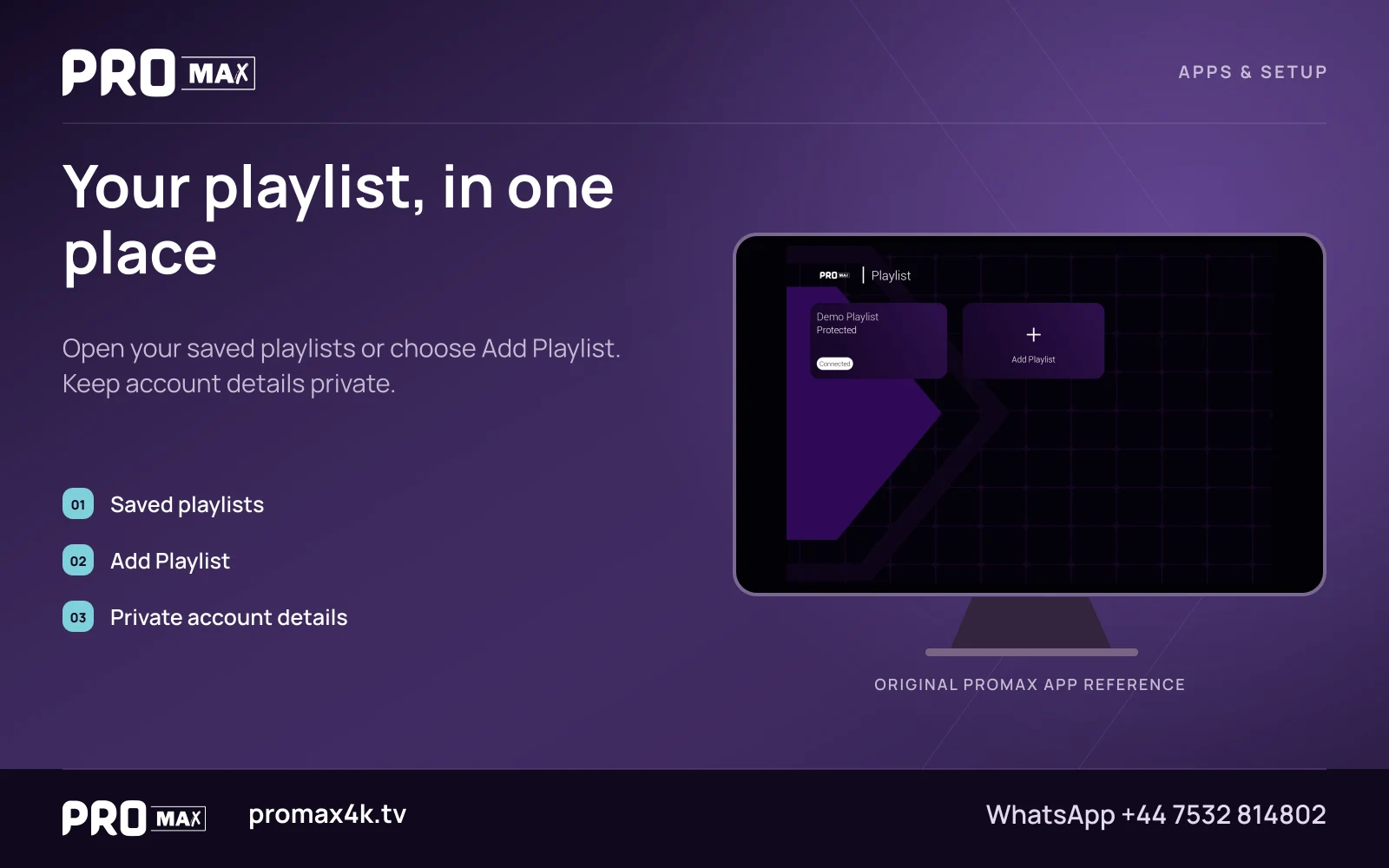
Your playlist, in one place. Open your saved playlists or choose Add Playlist. Keep account details private. Pro Max 4K OTT, promax4k.tv.
Streaming details

Expanding a DASH SegmentTimeline repeat count

DASH SegmentTimeline can describe several consecutive segments with a single S element. In the DASH-IF timing guidelines, r counts additional repetitions after the first segment. Expanding the entry correctly prevents an off-by-one error when interpreting missing segment requests or the expected end of a media interval.

Read the guide
One change at a time. Keep a short private record so the next support message explains what you tried. Pro Max 4K OTT, promax4k.tv.
Streaming details

Reading DASH Number and Time segment addresses

A DASH segment URL template can identify media using a segment number or a sample-timeline start value. The DASH-IF timing guidelines describe $Number$ and $Time$ addressing for explicit segment timelines. The numbers in the resulting filenames have different meanings, so their appearance alone cannot tell you the programme's playback time.

Read the guide
Windows player questions. Identify a Windows player from its publisher before arranging service-account access. Pro Max 4K OTT, promax4k.tv.
Streaming details

How DASH derives a static presentation length from its periods

A static DASH presentation can contain several periods. The DASH-IF restricted timing guidelines require clients to calculate total duration from the period durations and not depend on the optional mediaPresentationDuration field being present. A missing top-level duration therefore does not, by itself, mean that a finished programme has no defined length.

Read the guide
How do I start a renewal. Choose the next term and say that the request concerns an existing account. Pro Max 4K OTT, promax4k.tv.
Streaming details

How If-Range handles a media file that changed during resume

HTTP If-Range lets a client ask for part of an unchanged representation while accepting the entire current representation if its validator no longer matches. A resumed request can therefore legitimately change from an expected partial transfer to a full response. Inspect the validator condition before diagnosing every 200 response as unsupported range handling.

Read the guide
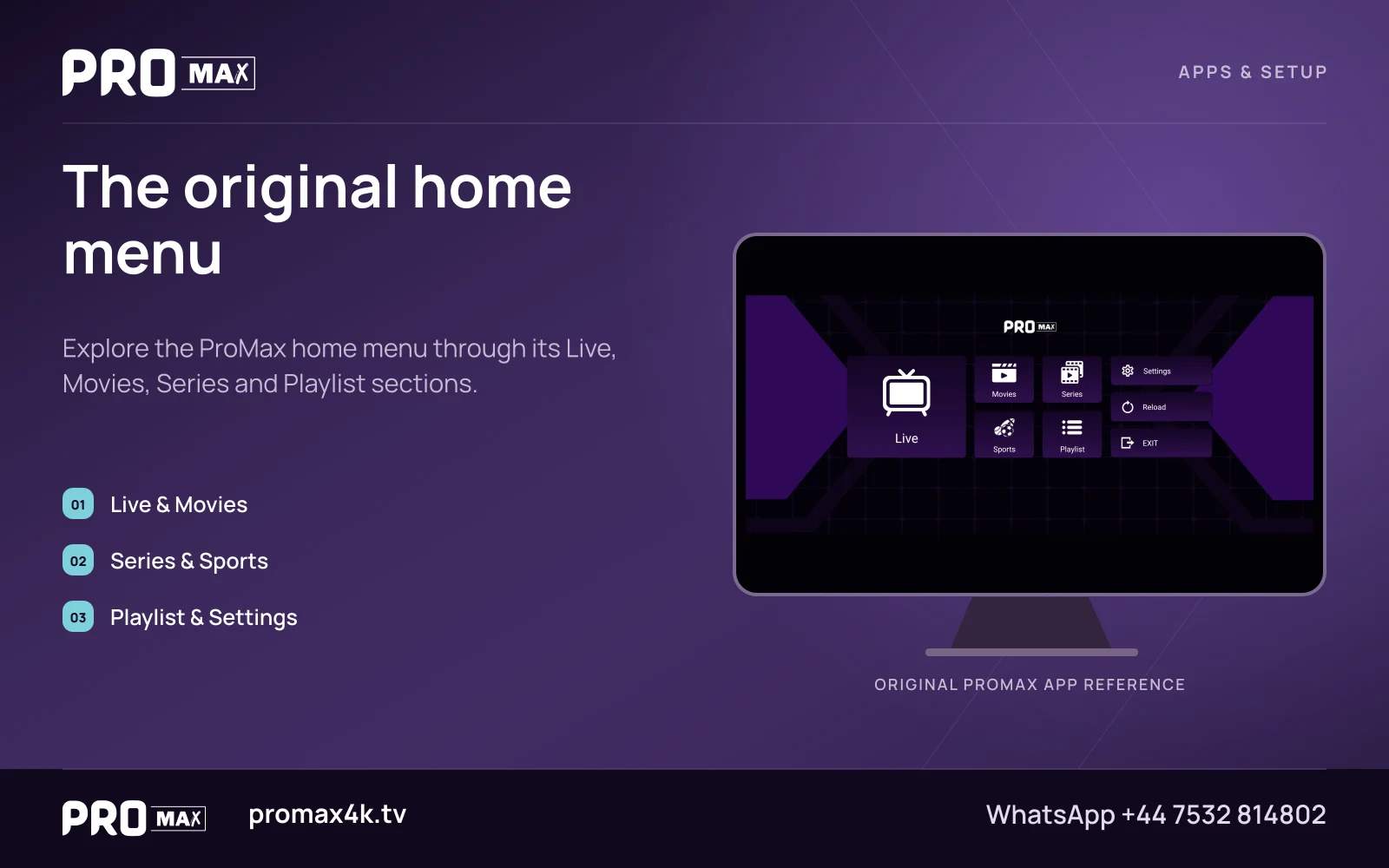
The original home menu. Explore the ProMax home menu through its Live, Movies, Series and Playlist sections. Pro Max 4K OTT, promax4k.tv.
Streaming details

What a DASH live-to-VOD transition needs to preserve

Changing a DASH presentation from dynamic to static is one part of converting a live event into an on-demand presentation. The retained manifest must still describe usable media and a coherent timeline. A type change alone cannot recreate segments that the publisher has already removed or establish that viewers have replay access.

Read the guide

An evening worth making time for

Get the player ready.
We’ll help with the rest.

Install the player for your screen, then WhatsApp the ProMax team for a one-day free trial. Already watching? Open the help desk for your next step.

Ask ProMax↑