A pending customer request can need credits before the panel has deducted them. An internal reservation is a planning record, not an actual panel transaction. Keep the displayed balance, reserved amount and unreserved amount separate. This helps a team avoid promising the same available capacity to several orders, while preserving the fact that only the real panel action changes the service balance.
Use three distinct quantities
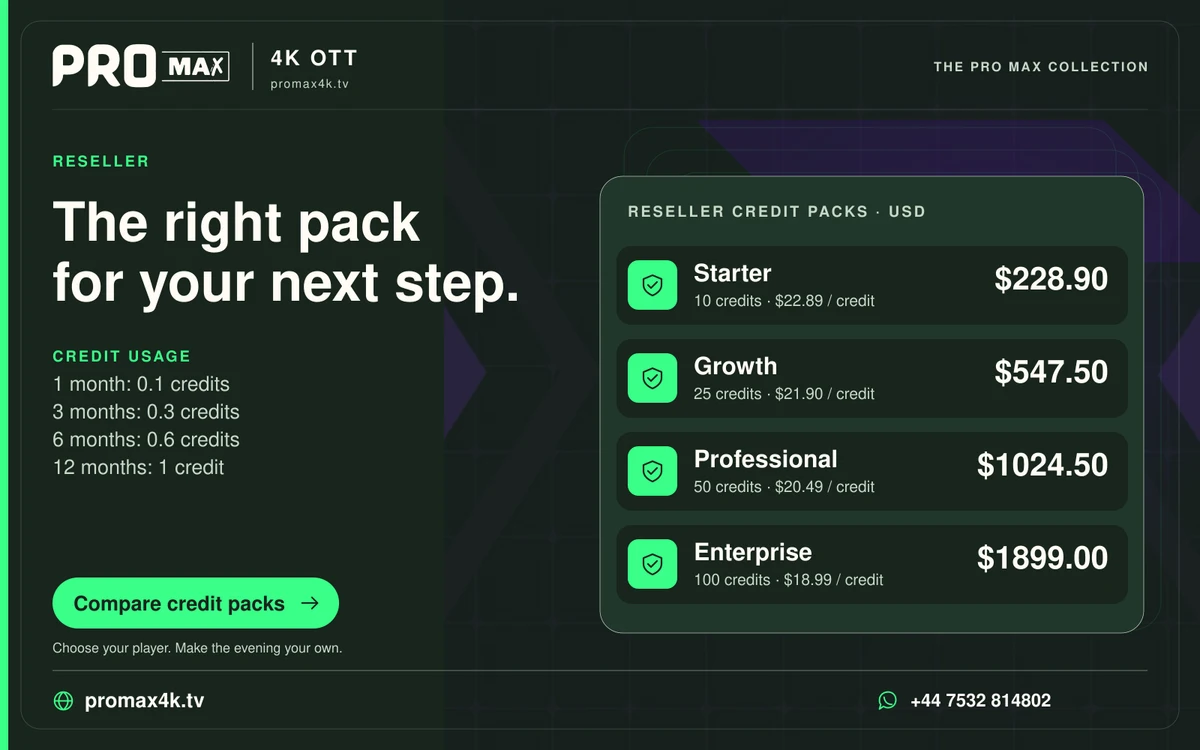
The panel balance is the recorded service quantity at a point in time. Reserved credits are an internal planning quantity for identified requests. Unreserved credits are the balance minus those reservations. For Pro Max, reserve 0.1, 0.3, 0.6 or 1 credit for a requested 1-, 3-, 6- or 12-month term. An internal reservation is not a completed activation.
Give a reservation an owner and state
A reservation should identify the request, the quantity, the person handling it and its current state. It needs a clear route to completed, cancelled or released. Otherwise abandoned requests can make a ledger look permanently short of capacity. Do not use an invented universal expiry period; choose the team’s actual process and make its meaning clear to the people using the record.
Release only after the state is known
When an allocation completes, connect the confirmed deduction with its reservation so it is not counted twice. When a customer changes the requested term, update the planning quantity before proceeding. If a panel action times out, establish whether it completed before treating the reservation as unused. A retry based only on an uncertain screen can create a second allocation or a confusing customer record.
A practical sequence
0 of 4 steps completed on this page.
An example to work through
A panel shows 10 credits and two pending twelve-month requests each require 1 credit. The planning remainder is 8 credits, while the panel still shows 10 until the allocations complete. Reporting 8 as the observed panel balance would mix two different records.