
TV apps
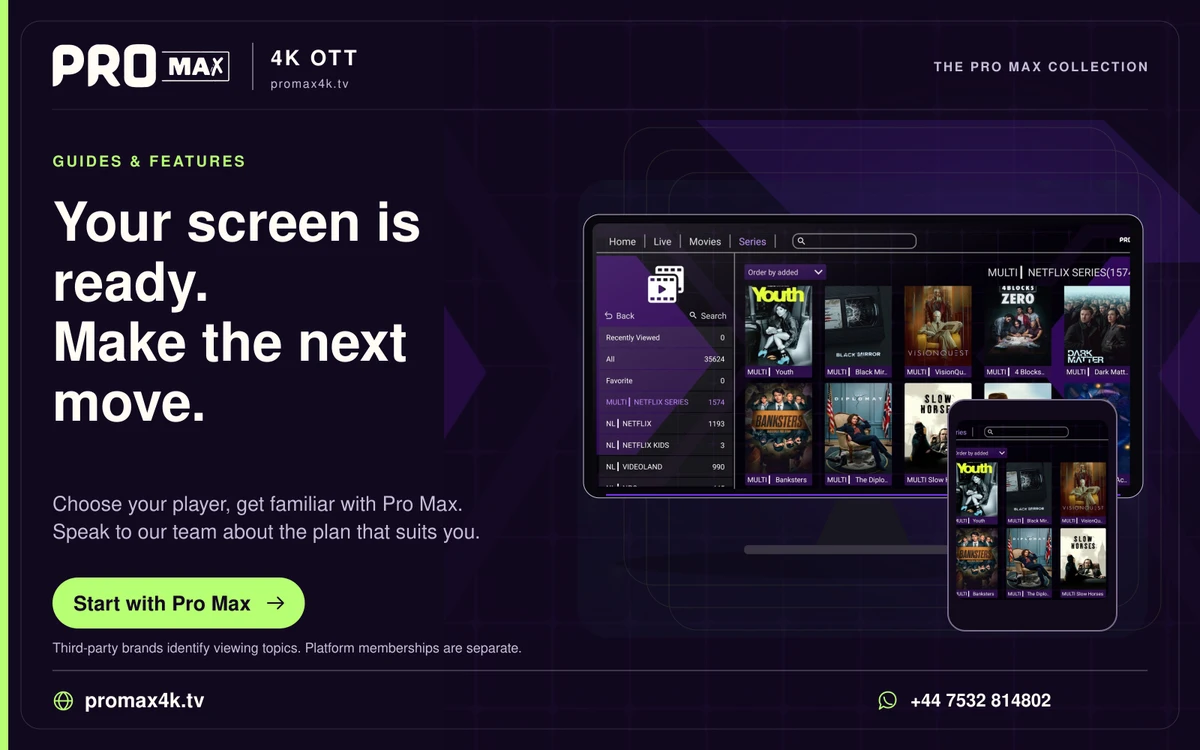
Move a streaming box to another television without rebuilding every app
Moving the same streaming box to another TV normally preserves the applications and account data stored on the box.
Read the guidePro Max 4K OTT
Page 5 of 7 for tv apps: Move a streaming box to another television without rebuilding every app, Why powering a streaming stick from a TV USB socket can cause restarts.
Journal topic
Explore the relevant guides and their next useful questions.
Moving the same streaming box to another TV normally preserves the applications and account data stored on the box.
Read the guide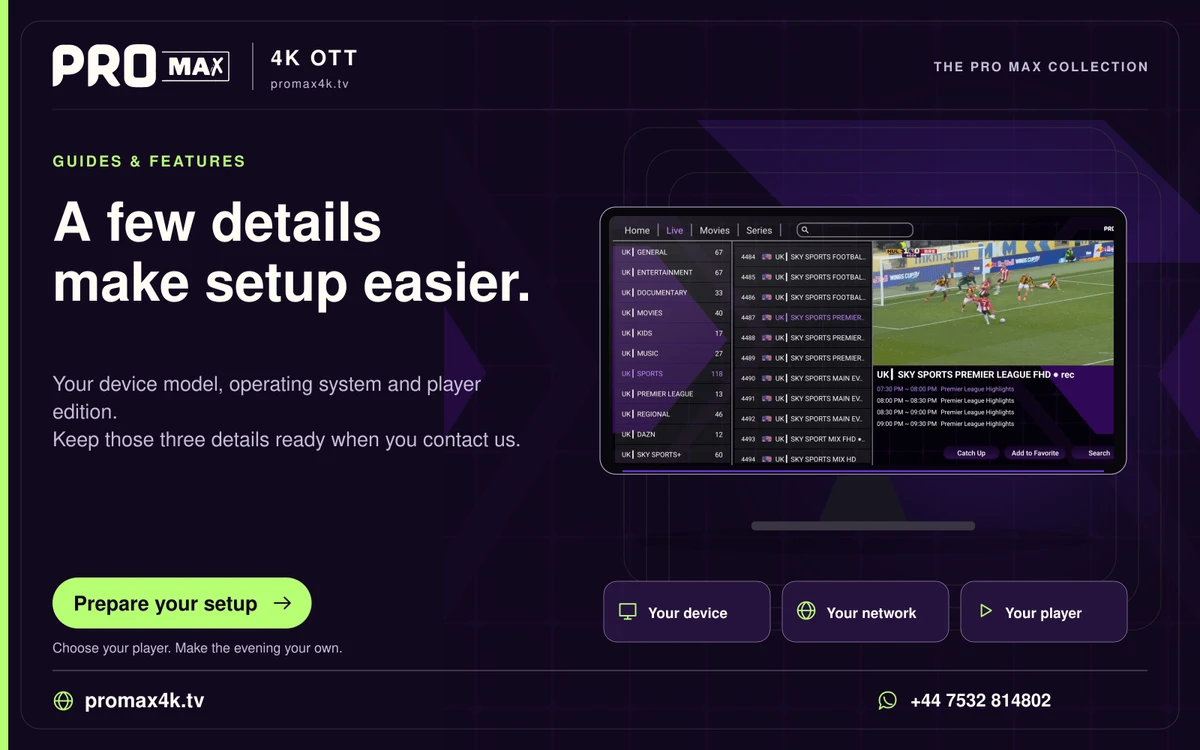
A television’s USB socket may not supply the power required by a streaming stick, particularly during startup or demanding tasks.
Read the guideStandby keeps a television ready for quick use, restart reloads the operating system, and factory reset removes user configuration.
Read the guide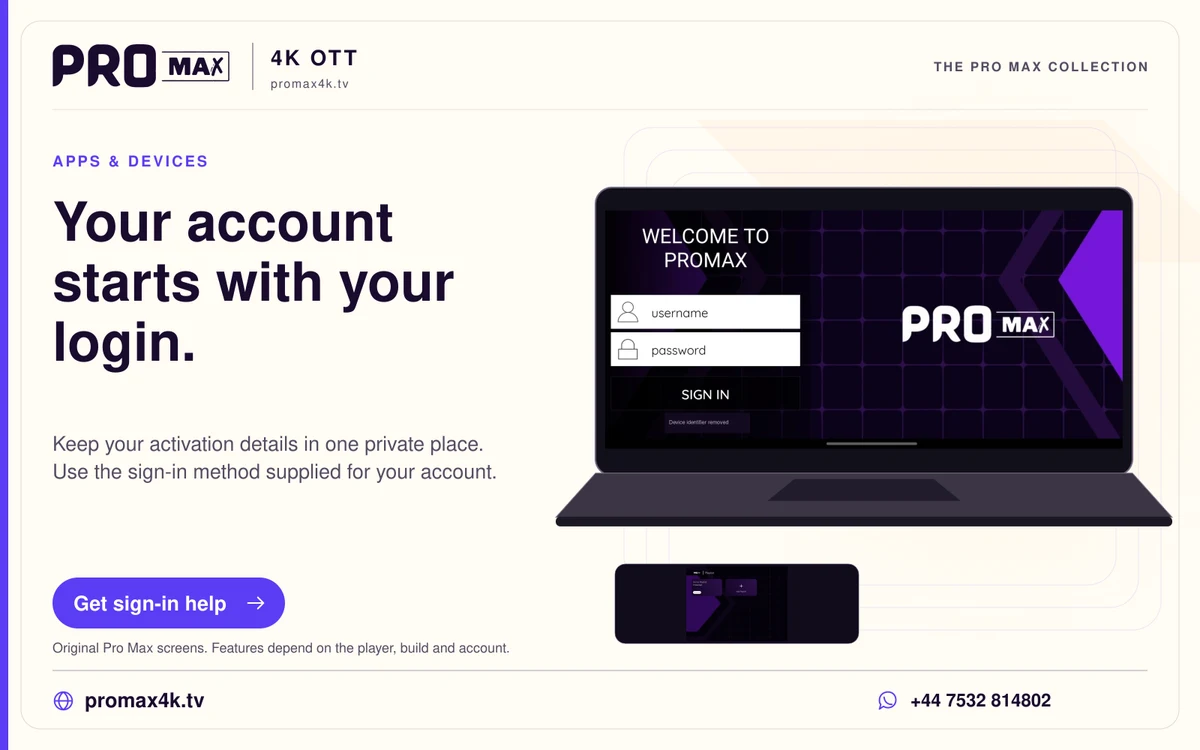
A factory reset or app-data reset can remove a player’s saved login without cancelling the provider account.
Read the guideBefore transferring a television or streaming box, remove household accounts, provider logins and private files using the manufacturer’s supported reset process.
Read the guideCertification and platform support describe aspects of the device ecosystem; they do not guarantee that every streaming app, provider account or video format works on the box.
Read the guide