Your screen. Your subscription. Your ProMax. Start with a one-day trial ↗

Pro Max 4K OTT

The ProMax viewing journal · page 117

Six practical articles from the ProMax journal. A Prime Video channel can show an end date after renewal is cancelled, Signing into a Plex player does not automatically claim an unclaimed server.

News has a local angle. Add your region and preferred broadcaster to the national programme names you follow. Pro Max 4K OTT, promax4k.tv.

The viewing journal

Useful reading for your next step.

Focused explanations, named broadcaster comparisons and stories to explore.

Browse journal subjects
An app licence or a service account. Keep player purchase details separate from the service activation record. Pro Max 4K OTT, promax4k.tv.
Device & app care

A Jellyfin backup has a different scope from the media files it describes

A Jellyfin server backup preserves server data, while the household’s media collection can live in separate folders and drives. The official documentation describes both a built-in backup system and a manual data-and-configuration copy. Neither should be assumed to replace a separate backup of the actual personal media library.

Read the guide
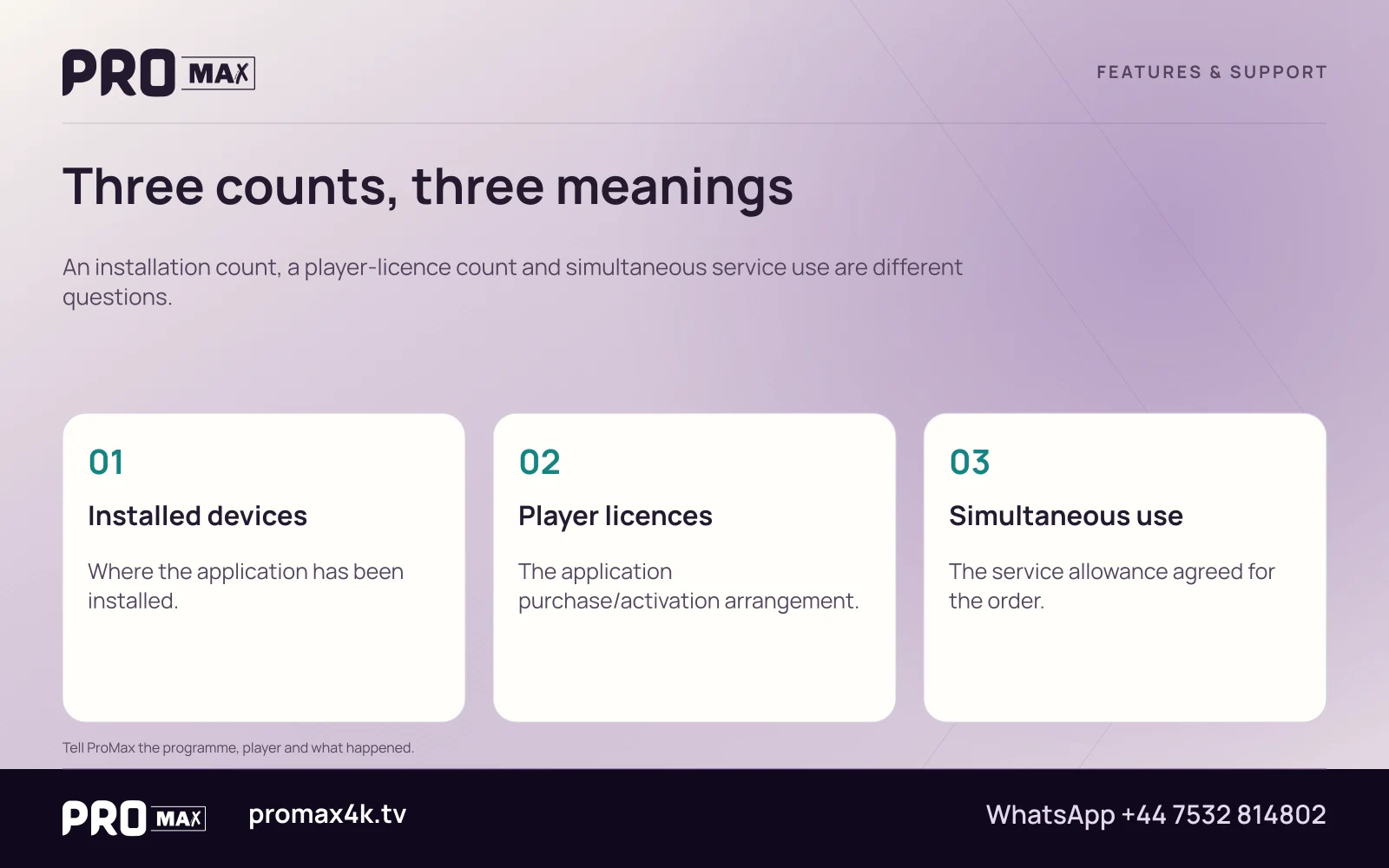
Three counts, three meanings. An installation count, a player-licence count and simultaneous service use are different questions. Pro Max 4K OTT, promax4k.tv.
Device & app care

A portable Kodi installation uses a different userdata location

Kodi’s Windows portable mode keeps its data inside a portable_data folder beside that installation. A normal Windows installation uses a different data location. If a test installation unexpectedly shows the main setup’s configuration, the shortcut used to launch it is an important part of the investigation.

Read the guide
Your first setup message. Name the device model, operating system and player edition. Pro Max 4K OTT, promax4k.tv.
Media formats

Reading Matroska CodecDelay and SeekPreRoll together

Matroska CodecDelay and SeekPreRoll both describe time associated with decoding, but they serve different stages. CodecDelay participates in the correction applied to frame timestamps. SeekPreRoll describes how much preceding data must be decoded after a discontinuity before output becomes valid. Treating them as one generic audio-delay control loses that distinction.

Read the guide

An evening worth making time for

Get the player ready.
We’ll help with the rest.

Install the player for your screen, then WhatsApp the ProMax team for a one-day free trial. Already watching? Open the help desk for your next step.

Ask ProMax↑