Your screen. Your subscription. Your ProMax. Start with a one-day trial ↗

Pro Max 4K OTT

The ProMax viewing journal · page 118

Six practical articles from the ProMax journal. How Matroska DefaultDuration differs from a block’s duration, Reading Matroska cue times and cluster byte positions.

News has a local angle. Add your region and preferred broadcaster to the national programme names you follow. Pro Max 4K OTT, promax4k.tv.

The viewing journal

Useful reading for your next step.

Focused explanations, named broadcaster comparisons and stories to explore.

Browse journal subjects
An app licence or a service account. Keep player purchase details separate from the service activation record. Pro Max 4K OTT, promax4k.tv.
Media formats

How Matroska DefaultDuration differs from a block’s duration

Matroska DefaultDuration describes a frame duration in nanoseconds, while BlockDuration describes a block’s duration in Track Ticks. A block can contain several laced frames. Their names look similar, but copying one numeric value into the other without converting units and identifying what it covers can produce an incorrect timeline.

Read the guide
A useful support message. Say what happened, when it happened and which device/player you use. Pro Max 4K OTT, promax4k.tv.
Media formats

Reading Matroska cue times and cluster byte positions

Matroska cues combine a media-time reference with a byte position. CueTime helps identify when the indexed content belongs; CueClusterPosition identifies where its cluster begins relative to the segment data. The values use different coordinate systems. A correct seek needs both, rather than treating the largest number as the programme’s duration.

Read the guide
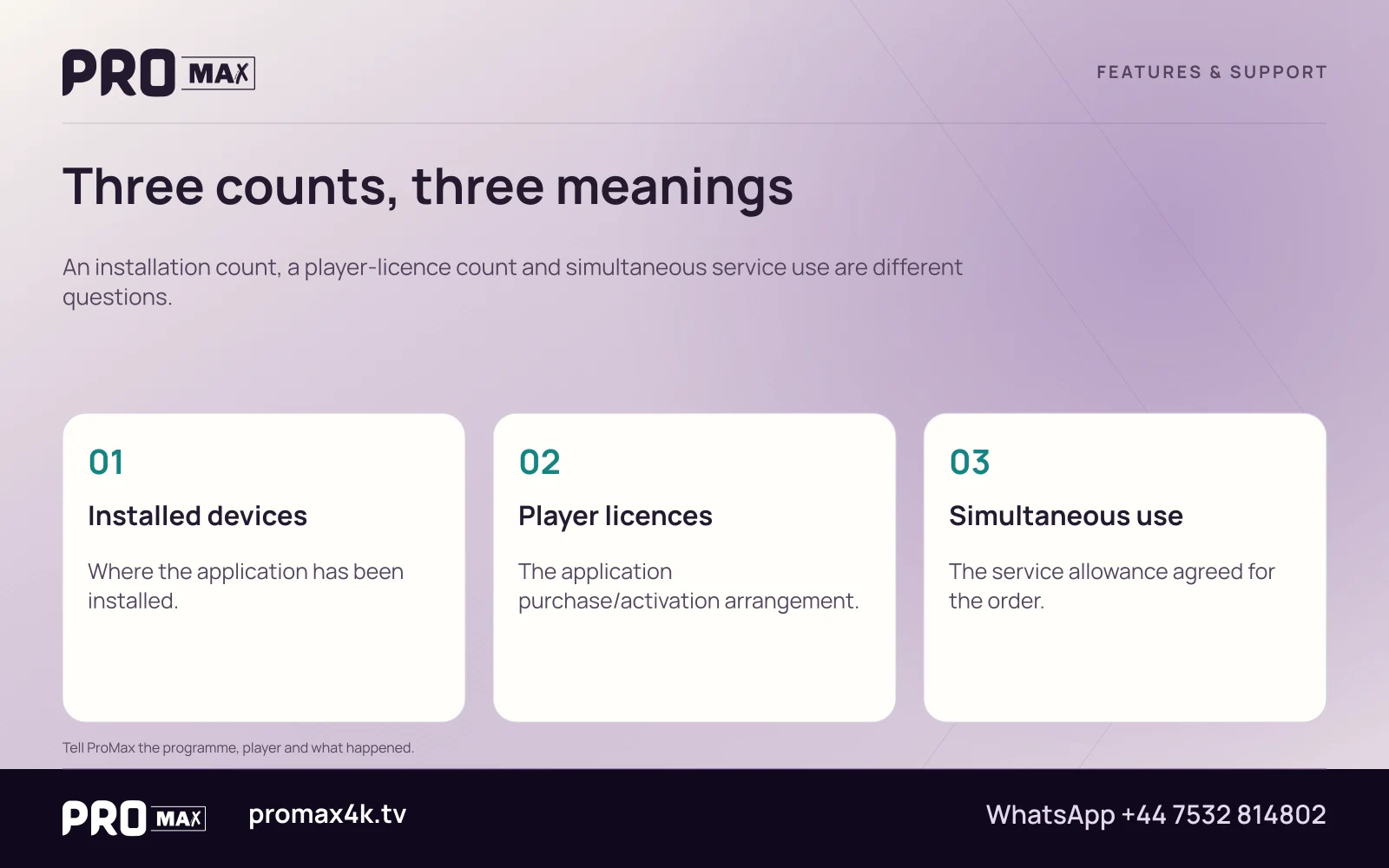
Three counts, three meanings. An installation count, a player-licence count and simultaneous service use are different questions. Pro Max 4K OTT, promax4k.tv.
Media formats

Matroska TrackNumber and TrackUID serve different references

A Matroska TrackNumber routes blocks to a track, while TrackUID identifies that track for references such as targeted metadata. They are separate fields with different uses. An editing or inspection tool should not substitute one for the other merely because both contain integers or currently happen to have equal values.

Read the guide
Your first setup message. Name the device model, operating system and player edition. Pro Max 4K OTT, promax4k.tv.
Media formats

What Matroska CodecPrivate contributes to decoder setup

Matroska CodecPrivate stores codec-specific data associated with a track. CodecID tells a reader which codec mapping applies; the private bytes must then be interpreted under that mapping. Their presence, length or unreadable appearance is not, by itself, an error. They are binary setup data rather than a human-readable programme description.

Read the guide
A useful support message. Say what happened, when it happened and which device/player you use. Pro Max 4K OTT, promax4k.tv.
Media formats

How Matroska lacing places several frames in one block

Matroska lacing packs several frames into one Block or SimpleBlock to reduce overhead. The lacing mode describes how their lengths are represented. Counting one block as one frame, or sending the whole bundled payload as though it were a single codec frame, can therefore misinterpret otherwise valid container data.

Read the guide
A useful support message. Say what happened, when it happened and which device/player you use. Pro Max 4K OTT, promax4k.tv.
Media formats

Interpreting Matroska block references when seeking

Matroska signals frame dependencies differently in SimpleBlock and BlockGroup structures. A SimpleBlock has a keyframe flag, while a BlockGroup uses ReferenceBlock relationships. An inspector must recognize the structure before choosing a random-access point. Looking for one flag in every block type can misclassify where decoding may begin.

Read the guide

An evening worth making time for

Get the player ready.
We’ll help with the rest.

Install the player for your screen, then WhatsApp the ProMax team for a one-day free trial. Already watching? Open the help desk for your next step.

Ask ProMax↑